AI Stem Splitter
Separate any song into vocals, drums, bass, melodies, and an instrumental track.
Drag & drop an audio file here
or
The Mountain · Pop Vocal
Real AI split — press play, then split it0:00 / 0:00
Original Mix
SourceOne Song In, Five Stems Out
This music stem splitter separates any track into vocals, drums, bass, melodies, and an instrumental — right in your browser.
Drop a Song, See the Cost Up Front
Drag in an MP3, WAV, FLAC, or M4A and the AI stem splitter reads the duration locally, then shows the exact Credits price before anything is uploaded.
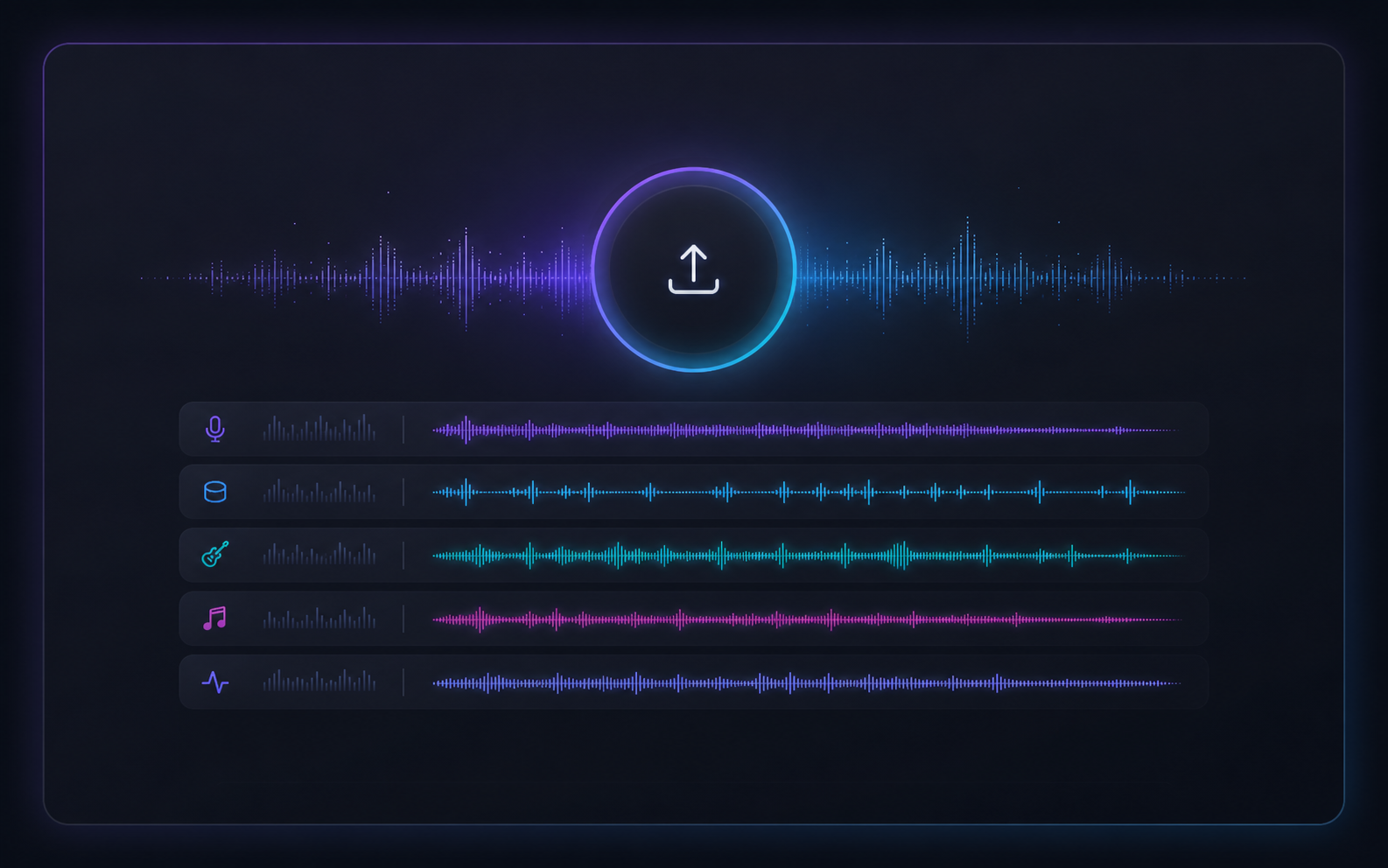
Preview Every Stem in Sync
All five stems play on one shared timeline. Solo the vocals, mute the drums, rebalance volumes — free previews mean you only spend Credits on a result you actually like.
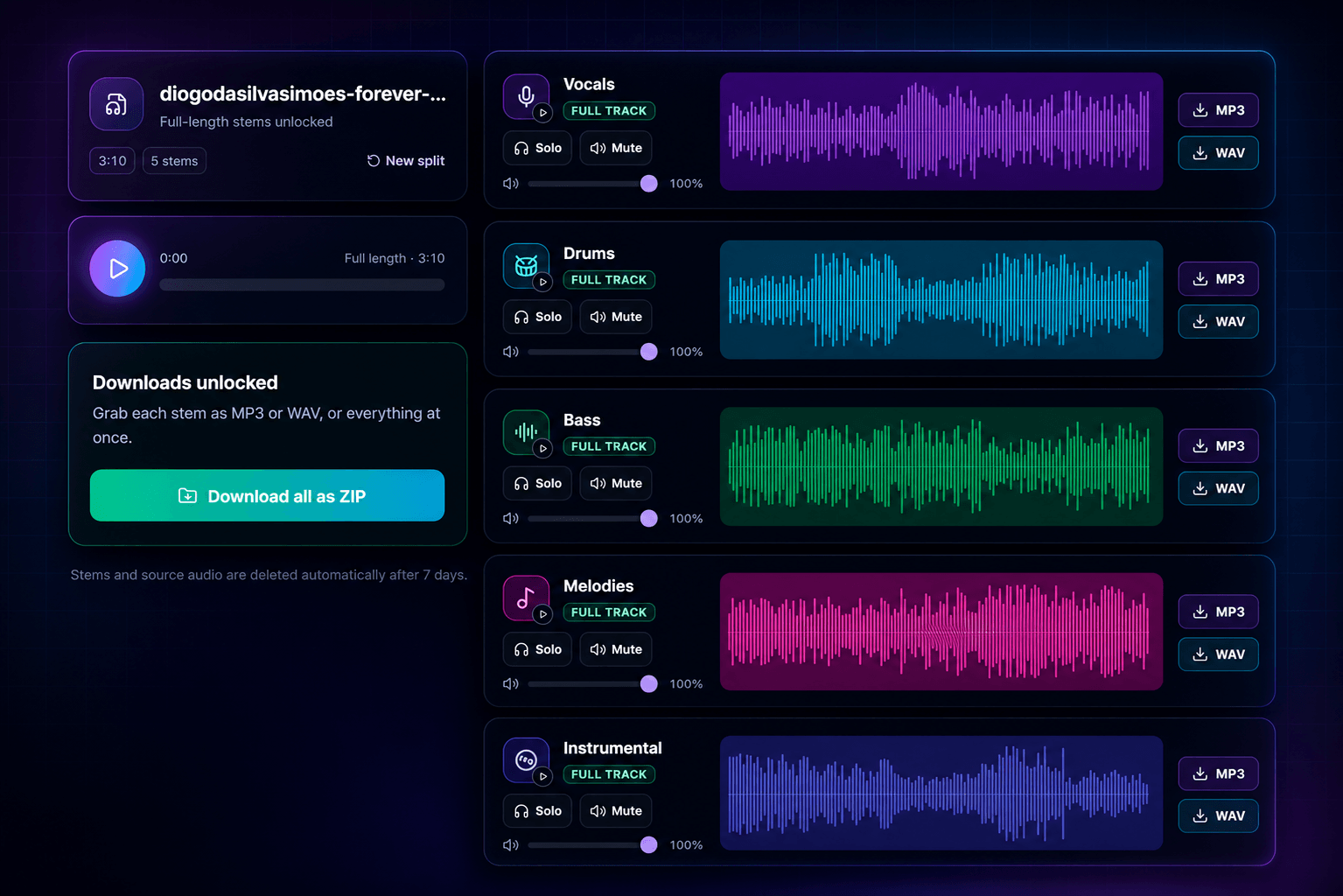
Hear Every Stem, Then Make It Yours
Preview each stem in your browser, then export full-length MP3 or WAV files whenever you are ready. Need everything together? Download all five stems as one ZIP. If a split ever fails, your reserved Credits are refunded automatically.
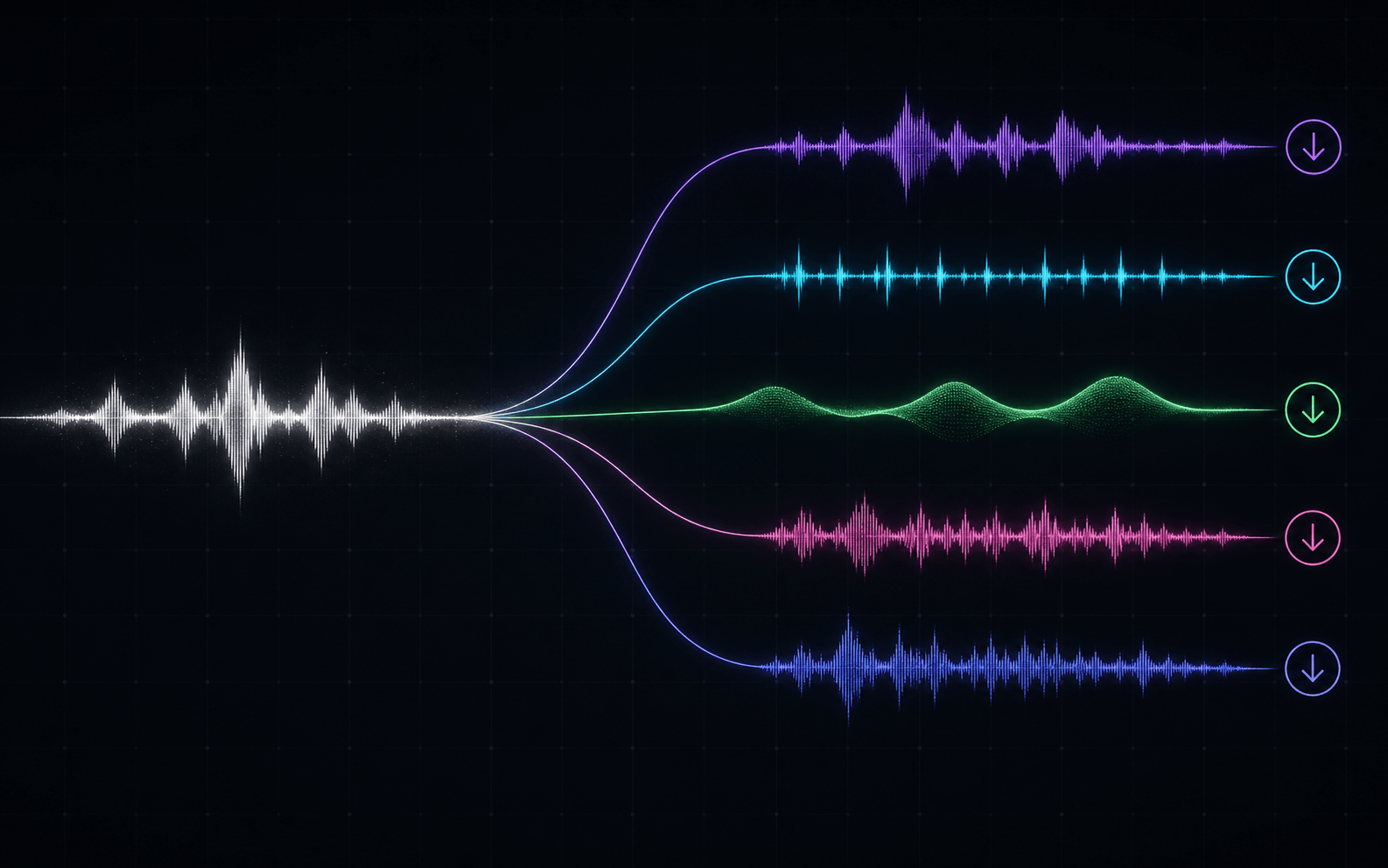
Who uses an AI stem splitter?
Acapellas and Instrumentals on Demand
Pull clean vocals for a mashup, lift a drum break for sampling, or grab the instrumental for an extended edit — the five main stems cover the whole track.


Mute Your Part, Play Along
Sing over the instrumental or mute your instrument and play with the band. Splitting a song into stems turns any track into a practice tool.
Study Any Arrangement, Stem by Stem
Solo the bassline to transcribe it, isolate the melodies to hear how the hook is voiced, or strip a song down to rebuild it your own way.
Built for real sessions
How an AI Stem Splitter Helps You Work With Music
An AI stem splitter gives you a practical way to hear the parts inside a finished mix without rebuilding the song from scratch. Upload one track, then work with separate vocals, drums, bass, melodies, and an instrumental track in the browser. It is useful when you need a focused reference, a cleaner practice track, or source material for a new arrangement.
Isolate vocals for edits and mashups
Use the AI stem splitter as a vocal remover and vocal isolation tool when an acapella is the part you need most. Solo the vocal stem to audition phrasing, timing, and ad-libs before building a mashup, a radio edit, or a new transition. You can also mute vocals to create a quick instrumental reference for a rehearsal or a karaoke-style session.
Study drums, bass, and melody separately
A music stem splitter makes dense arrangements easier to understand. Listen to the drums when you are learning a groove, solo the bass to trace its movement, or isolate melodies to hear the hook without competing instruments. These focused passes are useful for producers, musicians, and students who want to analyze arrangement choices by ear.
Prepare cleaner DJ and remix material
For DJ preparation, separate vocals and instruments before planning a transition or testing a blend. An AI stem splitter lets you preview each part on the same timeline, so you can check whether a vocal phrase, percussion break, or instrumental section has the space you need. Export the individual stems you will actually use instead of working from a single full mix.
Keep your workflow simple
This online AI stem splitter accepts common MP3, WAV, FLAC, and M4A files, then keeps the result organized as five familiar tracks. Preview first, adjust solo, mute, and volume controls, and return to History when you are ready to revisit a submitted job. The goal is not to replace your DAW; it is to give you clean starting material for the next creative decision.
Whether you call it song separation, vocal isolation, an instrumental maker, or a music stem splitter, the workflow is the same: start with the song you have, separate the parts you need, and use those stems responsibly in a remix, practice session, edit, or study project.
How to Use an AI Stem Splitter to Split a Song Online
From upload to five separated tracks in three steps — no software to install.
Drop Your Track
Upload an MP3, WAV, FLAC, or M4A and confirm you have the rights to process it. The credit cost is shown before you start.
Let the AI Split It
The separation runs on our servers and usually finishes in under a minute. You can leave the page, then check History for the processing task or completed result when you return.
Preview, Then Export
Listen to every stem free, then unlock full MP3, WAV, or a ZIP of all five stems with Credits — refunded automatically if a split fails.
Frequently Asked Questions
Split a track first, then find songs with a similar sound
Once you have a vocal, drum, or instrumental stem you like, use the Similar Song Finder to discover real tracks that share the same vibe. Upload a stem, paste an audio link, or search by artist and title — the tool returns lookalike songs with similarity tags and streaming links.
Need to clean wind, traffic or room noise from a speech recording instead of separating a song? Use the Background Noise Removal — it cleans the voice in audio and video and returns a single cleaner file.
What is an AI stem splitter?
Can an AI stem splitter separate vocals and instruments?
Which audio formats can I upload?
Is the stem preview really free?
What do I get when I unlock downloads?
Can I use the stems for DJ sets, remixes, and practice?
What happens to my files after the split?
Need editable MIDI parts from the whole song instead of audio stems? Use the MP3 to MIDI converter to export vocals, drums, bass, melodies, and chord MIDI tracks for your DAW.