Find Any Song with Audio Finder
Upload any audio or video file. Select a short snippet and let our advanced acoustic fingerprinting engine identify the exact track in seconds.
Tap to listen
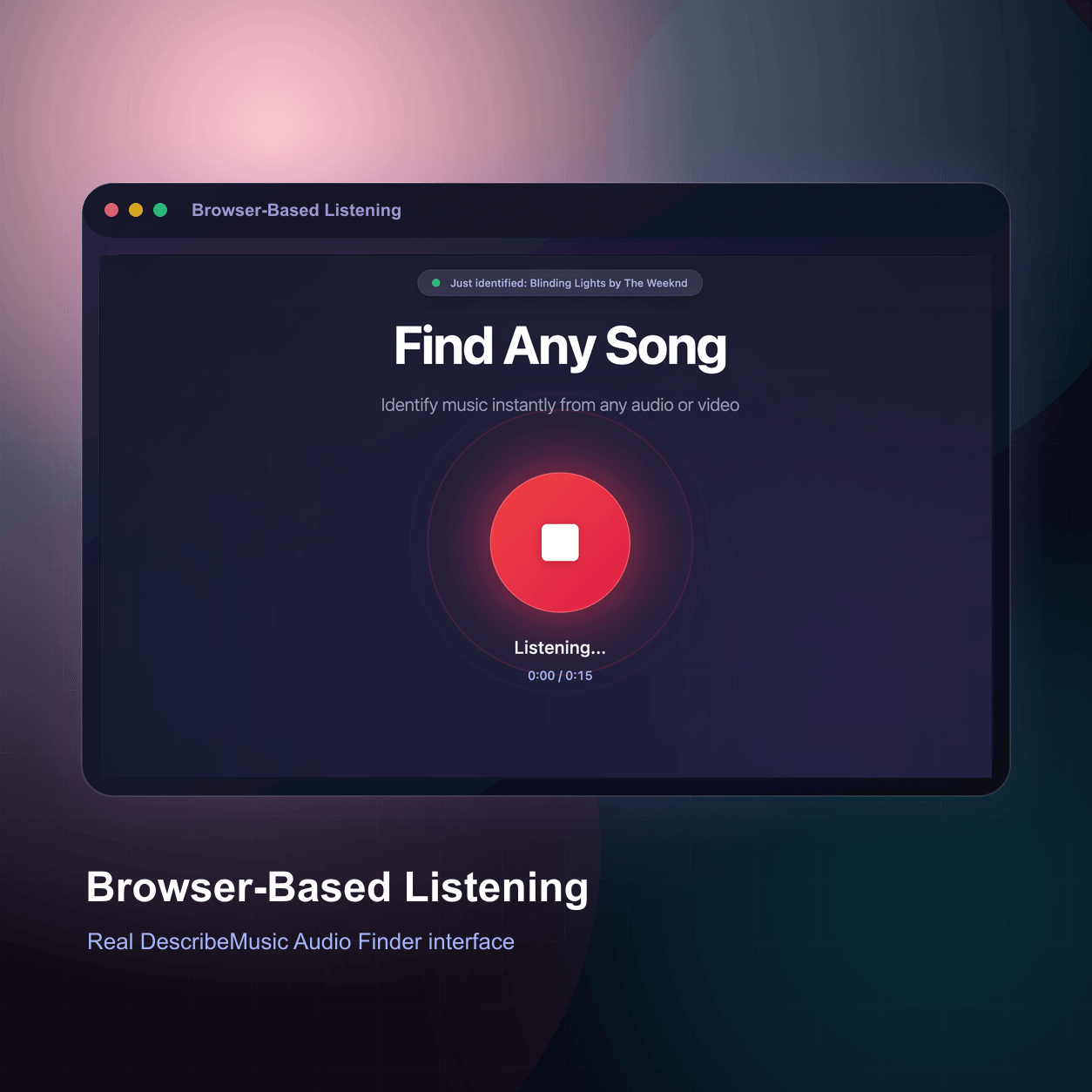
Song playing nearby? Tap the mic to identify music playing now.
Records up to 15 seconds
Upload any audio or video file. Select a short snippet and let our advanced acoustic fingerprinting engine identify the exact track in seconds.
Tap to listen
Song playing nearby? Tap the mic to identify music playing now.
Records up to 15 seconds
Why Use Our Song Identifier?
More than just a simple scanner, we bring professional-grade acoustic fingerprinting straight to your browser.
Seamless Video & Audio Parsing
Need to identify a song from a video? Just upload your MP4 file directly. Our browser engine handles the audio extraction locally, saving you time and bandwidth.

Beyond Basic Identification
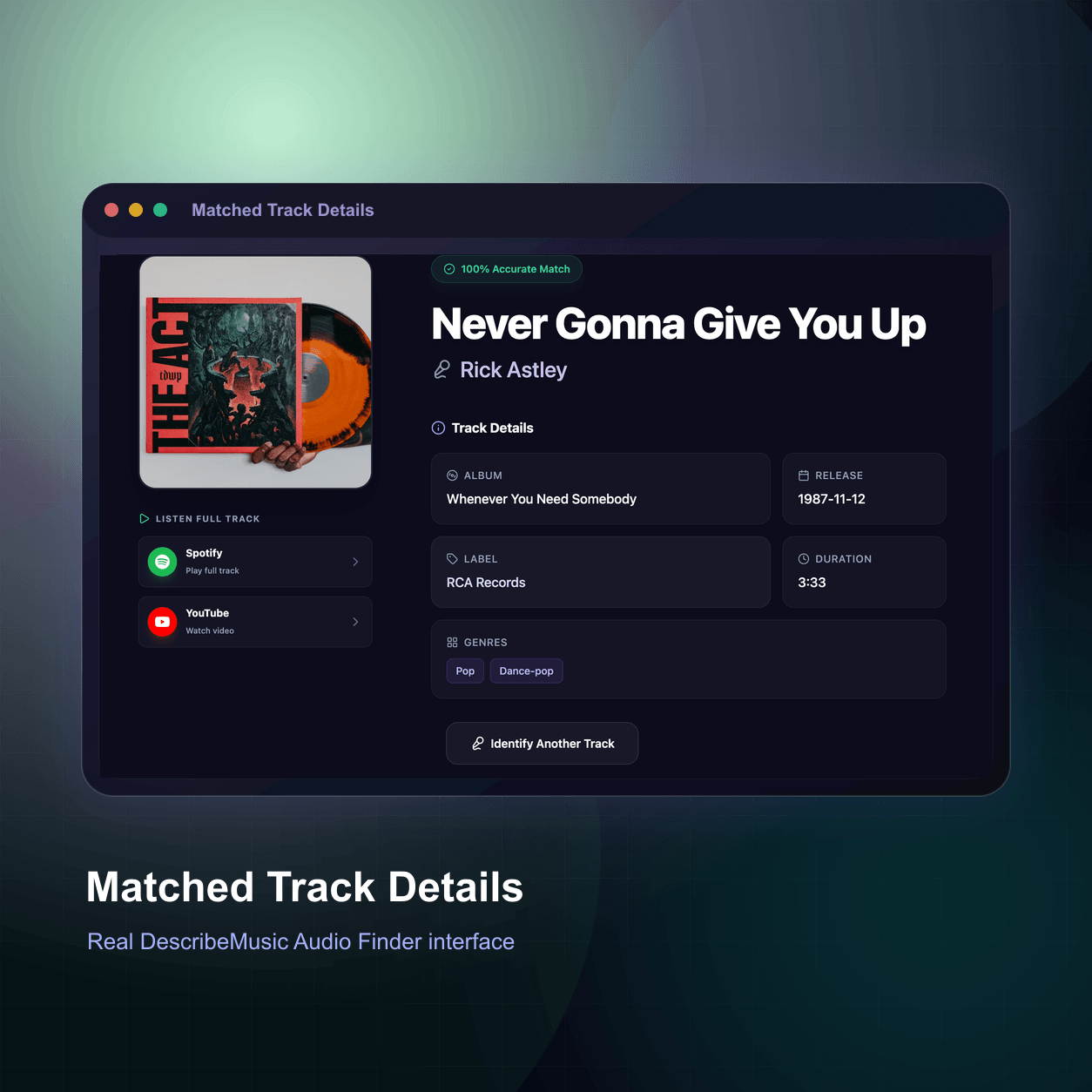
We don't just give you the title. Our engine acts as an advanced audio key finder and BPM detector, providing essential musical metadata for DJs and producers.
100% Browser-Based
Experience a truly free audio finder online. No apps to install. It’s the perfect lightweight Shazam alternative for PC and Mac users.
Who is this tool for?
Find Trending BGM Fast
Heard a viral track on TikTok or Reels but the creator didn't tag the sound? Just use our music finder audio upload feature to identify the background music instantly and grab the Spotify link for your own edits.
Have the TikTok link? Paste it into the TikTok song finder instead — no download needed.

Analyze Reference Tracks
Drop the track in. We automatically analyze the dynamics, acting as your audio key finder to streamline your workflow.
Identify Any Tune
Heard an amazing song in a cafe or a movie? Just use your microphone or upload a quick recording. It's the easiest online song identifier you'll ever use.
How to Find a Song by Audio Upload?
Whether you are trying to identify a song from a video or need an audio key finder for your next DJ mix, our web tool makes it completely effortless.
Drop Your Media File
Whether it's an MP3 recording from your phone or an MP4 video clip, simply drag it into our audio finder online interface.
Trim the Best Snippet
Use the visual waveform to select the clearest 15-30 seconds of the song. This local trimming means lightning-fast, secure uploads without sending large files over the network.
Get Instant Results
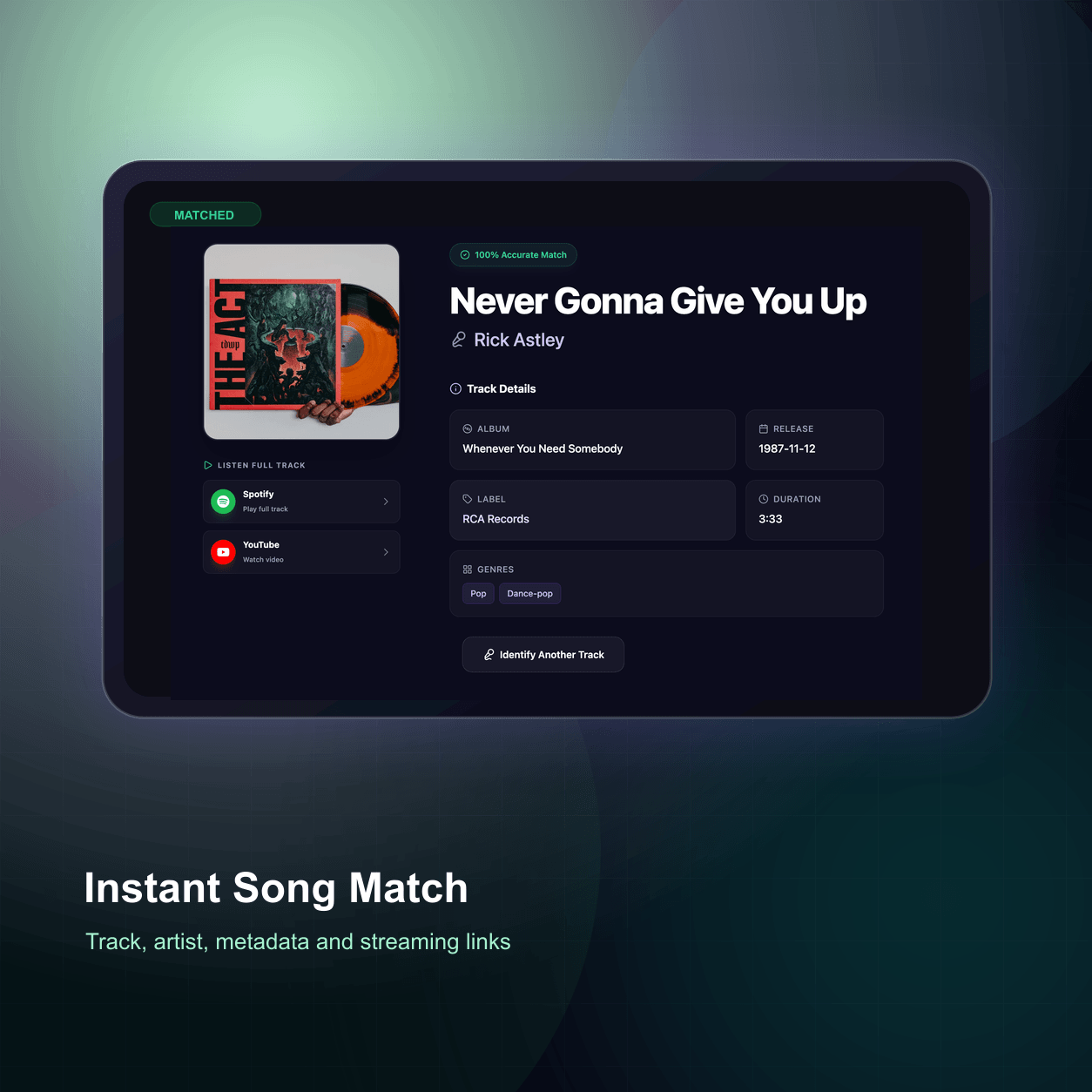
Within seconds, our AI matches the acoustic fingerprint against 100M+ tracks, revealing the song name, artist, streaming links, and deep musical metadata.
Identify Music
Playing Around You
Audio Finder works as a music identifier for songs playing nearby. Use your microphone to identify a recording playing in a café, on TV, or through speakers.
- 01Tap the mic.
Tap "Tap to listen" and allow microphone access.
- 02Let it listen.
Hold your device near the speaker and capture up to 15 seconds of clear music.
- 03Get the song.
A match shows the title and artist, with listening links where available.
Identify a Song Playing on Your Computer
This page uses your microphone; it cannot capture your computer's system audio directly. Use either option below.
Have a TikTok, YouTube, or Instagram video link? Use Song Finder by Video Link.
Tips for Better Music Recognition
- Keep voices and background noise low.
- Choose the chorus or another clear section.
- Try a different section if no match is found.
When a Song Can't Be Identified
Music recognition can struggle with:
- Live versions, covers, or remixes that differ from the original
- Distant, quiet, or noisy audio
- Very new or little-known tracks
- Humming or singing the tune yourself (not supported)
If there's no match, upload a cleaner clip.
Frequently Asked Questions
Already know the track? Find songs that sound like it
Audio Finder tells you what song this is. When you want to discover different songs that sound similar, use the Similar Song Finder — upload audio, paste a link, or search by artist and title to get real lookalike tracks with similar mood, BPM, and genre.
Want the genre, mood, BPM, and instruments?
After you identify the track, use the AI music analyzer to get genre, mood, BPM, key, instruments, and a written description of the same audio.