AI voice isolation
Background Noise Removal
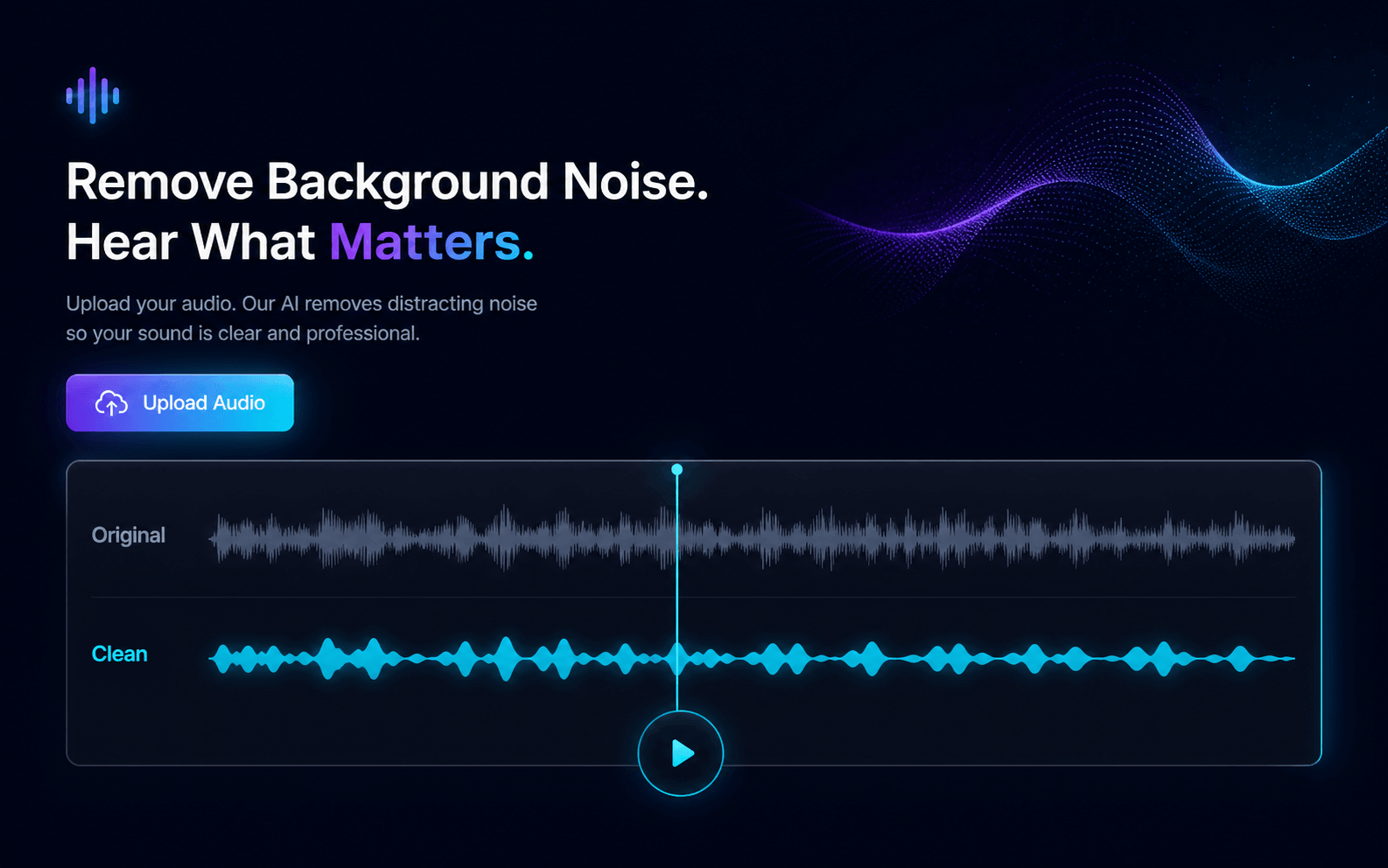
Clean wind, traffic, room tone, hum or background music from voice — in audio or a single-track video. Compare Original and Clean, then download MP3, WAV, or an MP4 with the cleaned track.
Background noise remover
Files stay private to your account and are deleted after 7 days.
Your file
Ready for your file
Drop an audio or video file here to remove background noise from the voice.
Choose a fileUp to 20 minutes · Single-track video OK · 1 Credit / second
Result
Sample resultReal noise in. Clean voice out.
Example output shown for feature preview only.
Remove background chatter. Voices over overlapping conversation and office ambience.
Hear it in action
Real noise in. Clean voice out.
Pick any example and toggle Original / Clean — the same kind of comparison you get on every file you process.
Clean speech in real video footage
Same picture on both sides — only the audio track changes.
Record crisp interviews or meetings
Filters out room noise to deliver clear, focused speech.
Background Noise Removal That Keeps the Voice
Online background noise removal built for spoken voice in podcasts, interviews, courses, voice-over and talking-head video.
Hear the Difference on One Timeline
Switch between Original and Clean without losing your place — the audio or video keeps playing from the same moment, so you can judge exactly what the background noise removal changed.
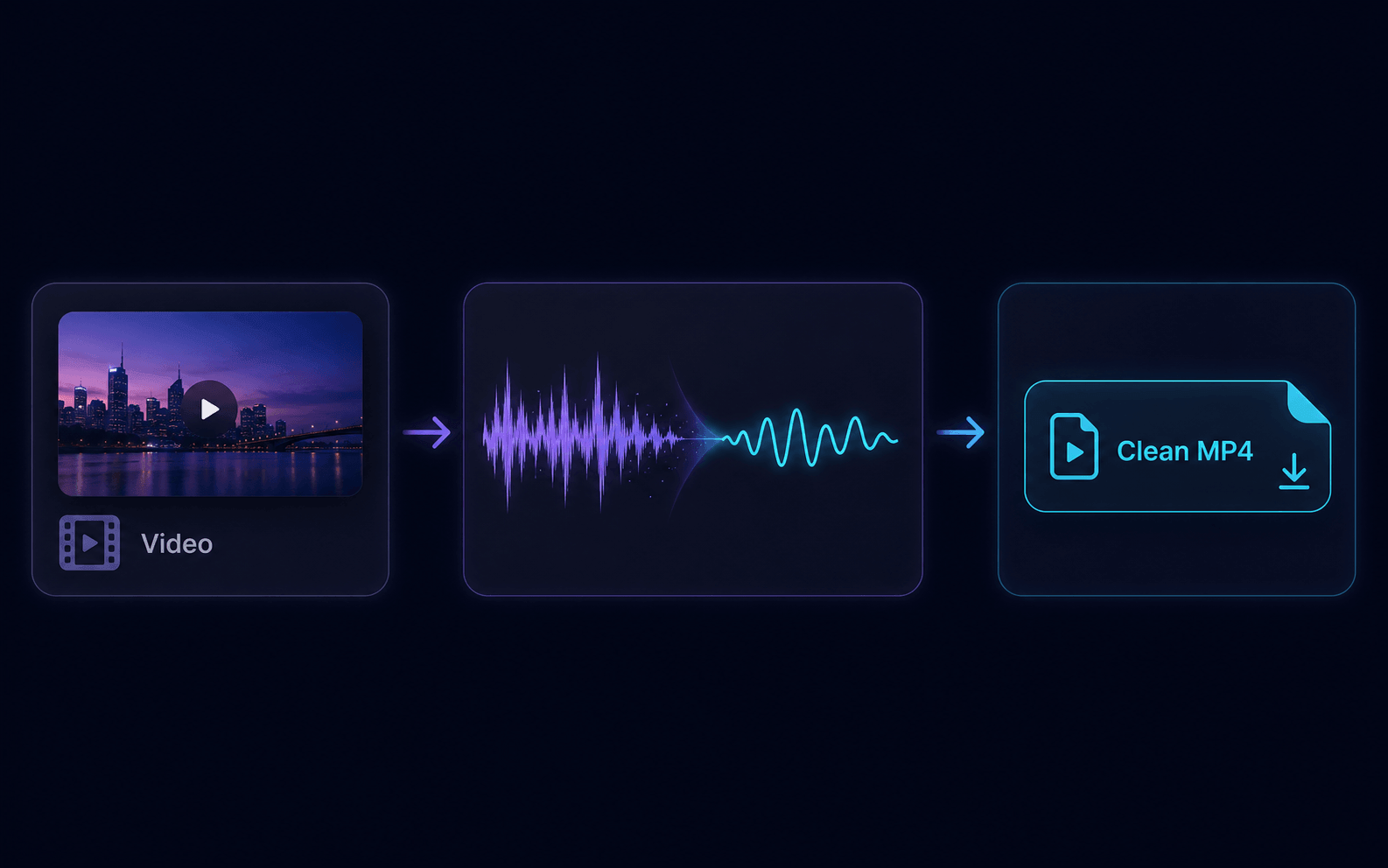
Video In, Clean MP4 Out
Upload a single-track video. The server extracts the audio, applies the same background noise removal, and remuxes the original picture with the cleaned track into a standard MP4 — with sync checked before anything is published.
Server-Verified Pricing, No Surprises
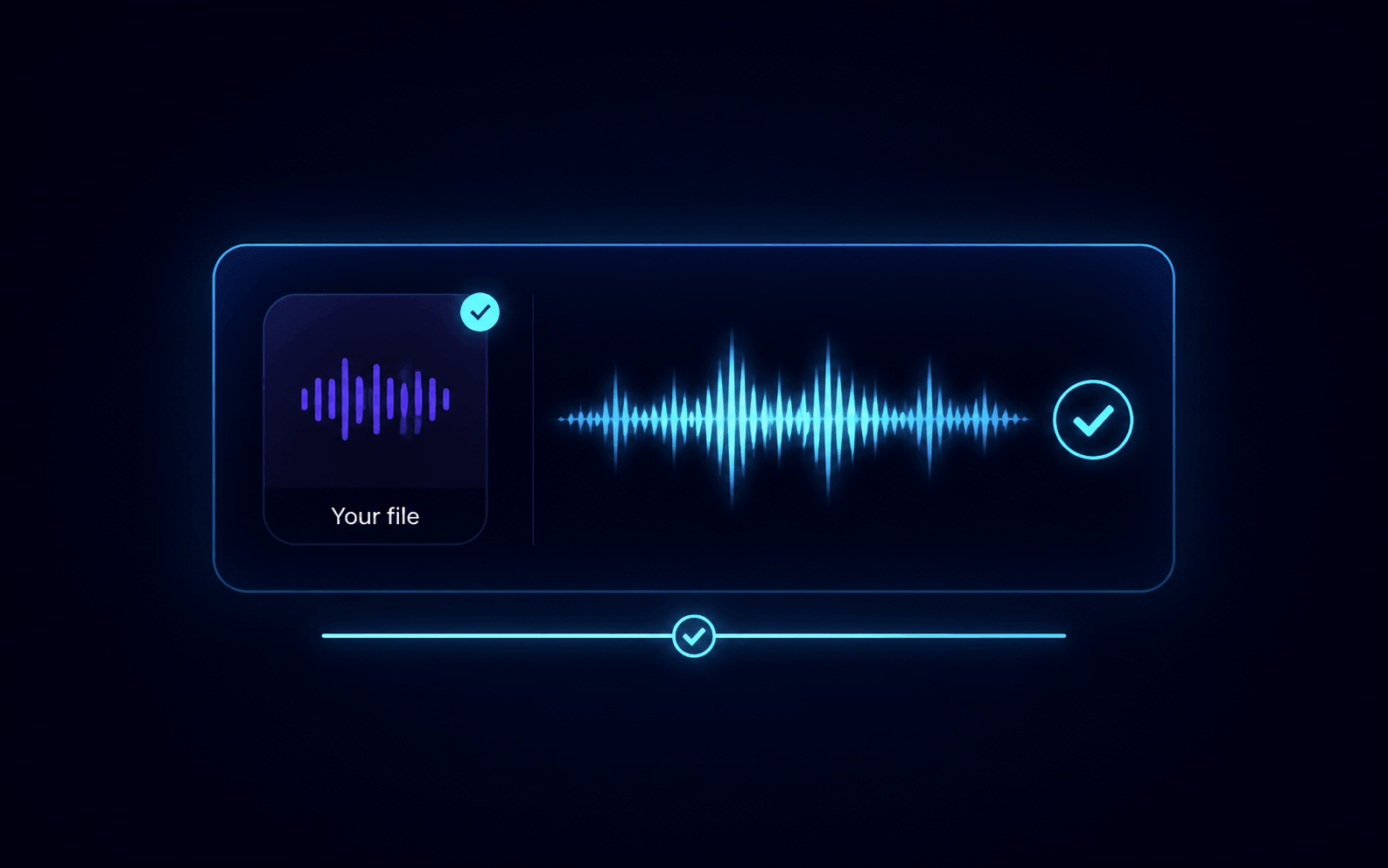
The browser shows a local estimate at 1 Credit per second, then the server measures the real target audio track and shows the authoritative quote, your current balance and the projected balance before any Credits are spent. If a task fails before the provider works, eligible Credits are returned.
How to Remove Background Noise Online
From upload to a cleaner MP3, WAV or MP4 in four steps.
Drop your audio or video
Choose an MP3, WAV, FLAC or M4A recording, or an MP4, MOV or WebM video with a single audio track. The browser reads the duration and shows a local estimate immediately, so you know the background noise removal cost up front.
Upload and get the exact quote
After signing in, the file uploads privately and the server verifies the container, tracks and real duration. It shows the authoritative Credits price, current balance and projected balance.
Start and let the AI clean the voice
Credits are consumed once when processing starts. The background noise removal runs in the queue, and you can leave the page and return — History restores the same task without charging again.
Compare, then download
Play Original and Clean side by side on one timeline to review the background noise removal result. Download a cleaner MP3 or WAV, or the Clean MP4 for video. Everything is deleted automatically after 7 days unless you delete it sooner.
Who uses background noise removal?
Any recording where the voice matters more than the room.
Record once, publish clean
Use background noise removal to fix fan hum, HVAC rumble, traffic and room echo from a home-recorded episode or voice-over session. Keep the natural voice and drop the noise without a full re-record.
Clean talking-head video
Upload the raw MP4 from your camera or screen recording and get back the same picture with a cleaned audio track.
Two speakers, one noisy room
Interview recordings on laptops and phones pick up clicks, wind and background chatter. Apply background noise removal to clean the track before sharing or publishing it.
Know the limits
What this tool can and cannot do
This is spoken-voice background noise removal for audio and video. It targets wind, traffic, room tone, hum, keyboard clicks, background chatter and low music beds — not musical source separation.
Great for
Background noise removal works best on podcasts, interviews, meetings, voice-over, lectures, phone recordings and talking-head videos where speech is present and the noise is steady or moderate.
Not a fix for
Background noise removal won't rebuild heavily clipped audio, lift speech buried under louder voices, preserve music you want to keep, or separate a finished song into stems. The Original/Clean comparison lets you check before you download.
Background Noise Removal vs AI Stem Splitter
Two different jobs — pick the right tool.
Background Noise Removal
Removes noise from a voice recording or video and returns one cleaner file.
- Audio: MP3, WAV, FLAC, M4A
- Video: MP4, MOV, WebM → Clean MP4
- 1 Credit per second, shared balance
- Original/Clean comparison player
AI Stem Splitter
Splits a finished song into vocals, drums, bass, melodies and instrumental stems.
- Five stems from one song
- Preview each stem before exporting
- Unlock full MP3, WAV and ZIP downloads
- Built for remixes and practice
Need to clean a speech recording? Use the Background Noise Removal Need to isolate vocals or instruments from a song? Use the AI Stem Splitter — they solve different problems.
Frequently Asked Questions
How do I remove background noise from audio?
Can I remove background noise from a video?
How much does it cost?
What file formats and limits apply?
Is my file private?
What is the difference between Background Noise Removal and the AI Stem Splitter?
Can it recover missing audio or remove voices I want to keep?
Ready to clean your recording?
Drop a file above — the estimate is free and nothing is processed until you confirm the exact quote.
Start Background Noise Removal