Free browser tool
BPM Tapper
Tap along with any beat to find its tempo in real time. Use your mouse, touchscreen, or spacebar — no upload, account, or software required.
Taps
0
Tap stability
—
Beat length
—
Click TAP or press Space with the beat
Tip: tap 6–10 steady beats for a more stable reading. Pause for 3 seconds to start a new tempo.
Tap tempo, without the friction
Find a song's BPM from any sound source
When a track is playing from Spotify, a DJ deck, vinyl, a rehearsal room, or a reference video, you may not have a file ready to analyze. This online BPM tapper gives you a fast tempo estimate from the beat you can hear — then lets you copy that number straight into your DAW, set list, or practice notes.
01 · Live sources
Measure what you can hear
Tap along with a stream, record, live drummer, or a loop playing in another app. The tool never needs to access the source audio.
02 · Stable result
See when your taps settle
The rolling average uses recent intervals, while the consistency signal helps you distinguish an early estimate from a reliable tempo.
03 · Next step ready
Keep the BPM moving
Copy the result for a DAW or set list. If you have the actual file, move to our automatic detector to also find its musical key and Camelot code.
Read the result
Three signals that make tempo easier to trust
The BPM is calculated from your recent taps. These supporting signals tell you whether the rhythm you tapped is settling into a useful working number.
Taps
More beats, less guesswork
Each tap adds another interval to the rolling average. Start reading the result after two taps, then keep going until you have 6–10 steady beats.
Tap stability
Your timing, not a probability
A higher percentage means your recent taps are evenly spaced. It helps you see whether the BPM has stabilized; it does not claim a percentage chance that a song was “correctly detected.”
Beat length
The time behind the BPM
This is the average time between beats. For example, a 0.50 second beat length equals 120 BPM, while 0.375 seconds equals 160 BPM.
See it in action
From the beat you hear to a BPM you can use
No upload is needed. Start with the main pulse, then keep tapping until the result and tap stability settle.
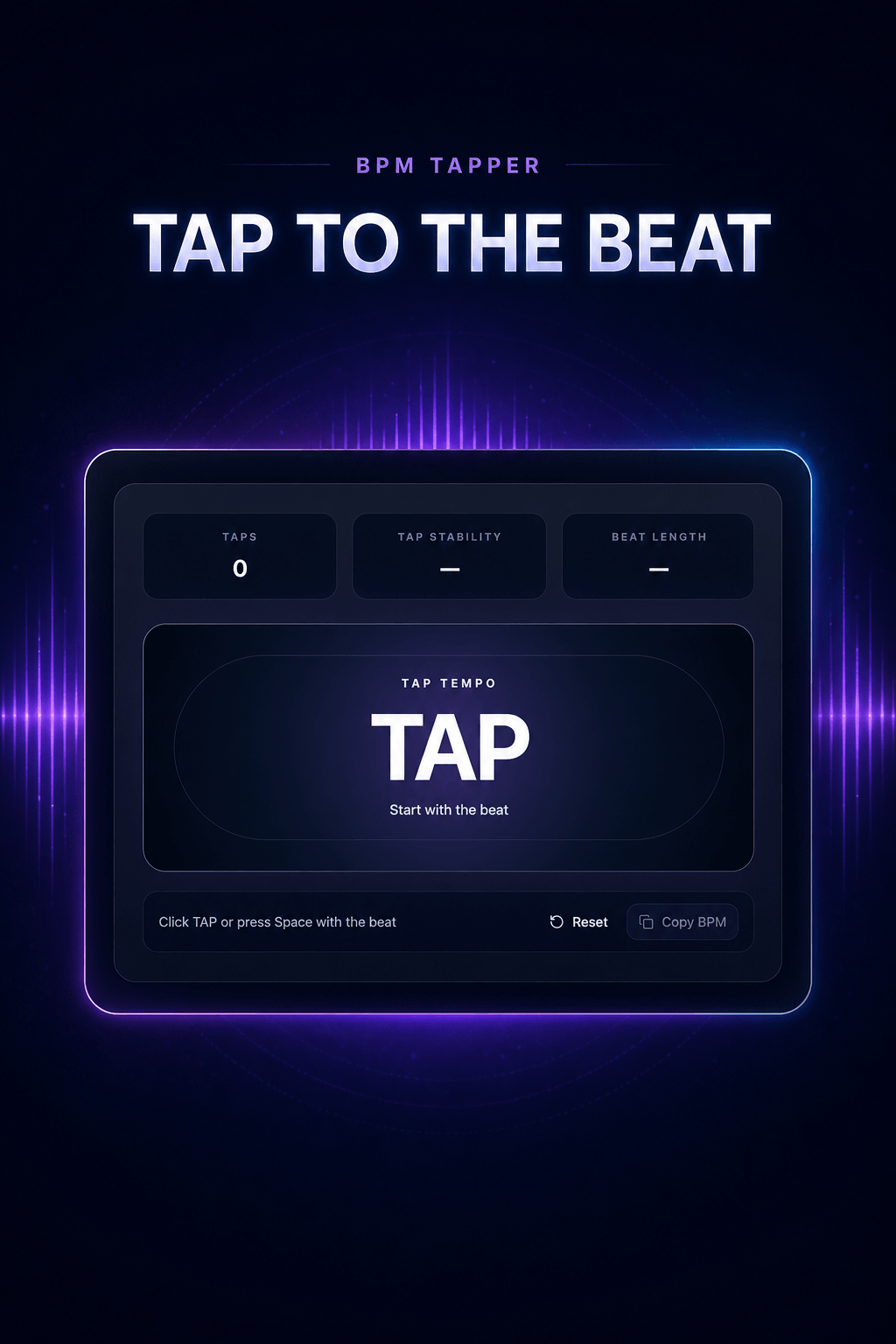
Step 1
Tap to the beat
Click the large TAP control, tap your screen, or press Space once for each beat you hear.
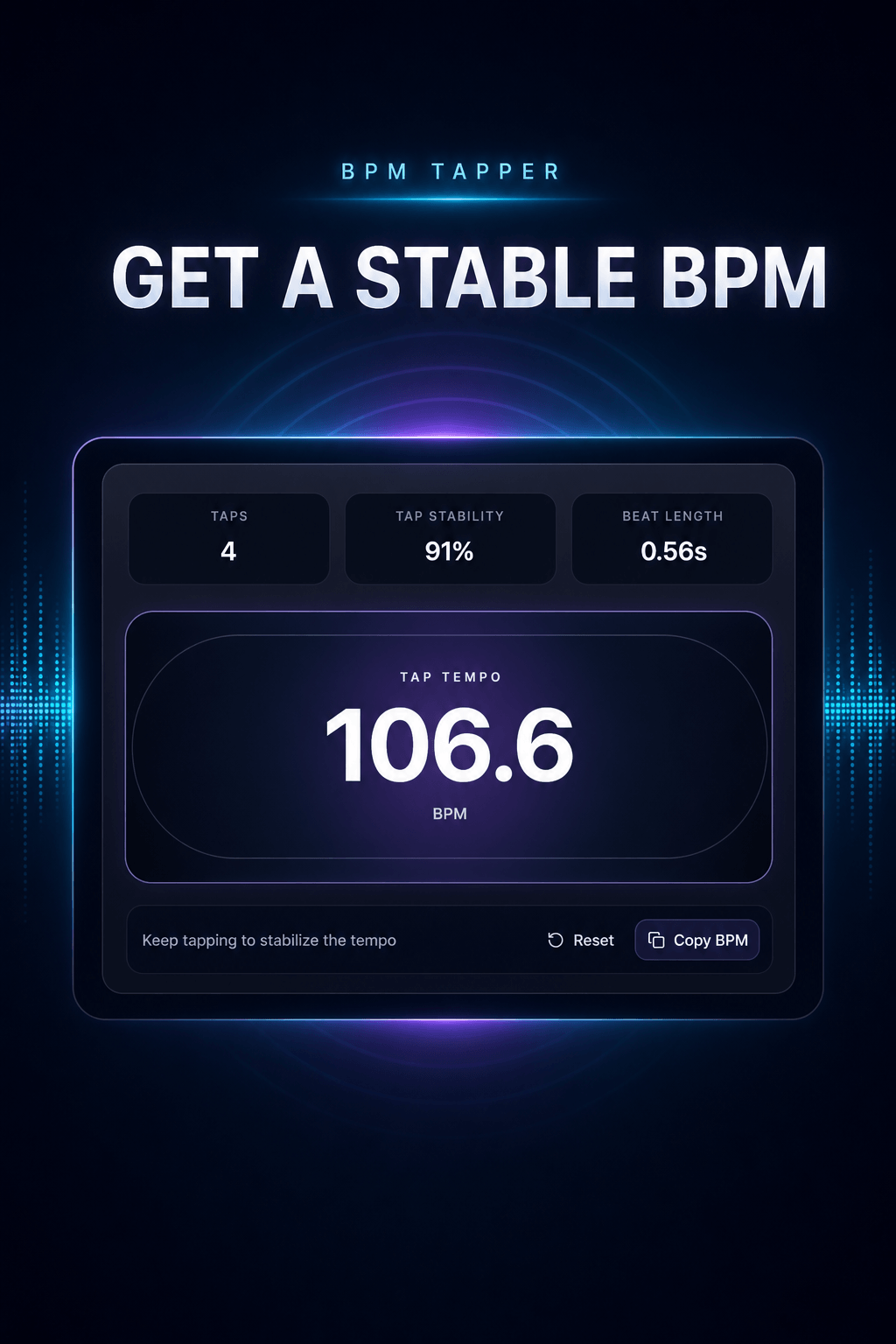
Step 2
Get a stable BPM
Keep tapping to improve stability, then copy the BPM into your DAW, set list, or practice notes.
How to use the BPM Tapper
Tap once per beat. Let the average do the math.
- 1Play the reference. Start any song or rhythm you want to match. Focus on the main pulse, not every hi-hat or subdivision.
- 2Tap in time. Click TAP, use the screen, or press Space on every beat. Keep going for 6–10 taps.
- 3Use or verify the result. Copy the BPM into your project. Restart after a pause if the song changes tempo or you need a new measurement.
When to tap
Made for music that is already playing
Use manual tap tempo when getting an audio file is inconvenient, unnecessary, or impossible.
- DJ preparation: check a reference track or a crate selection before adding it to a set.
- Rehearsal and practice: find the pulse of a live band, a metronome-free recording, or an arrangement video.
- Production reference: capture a rough tempo from a stream, vinyl, or phone speaker before opening a DAW.
Choose the right method
Tap tempo or automatic detection?
Related music tools
Need automatic analysis instead?
Choose the next tool based on whether you have an audio file and whether tempo, key, or the full readout is the decision you need to make.
BPM Tapper FAQ
Quick answers for tap tempo
What is a BPM tapper?+
A BPM tapper, also called a tap tempo tool, measures tempo from the time between your taps. Tap once per beat while a song plays and the tool turns those intervals into beats per minute.
How many taps do I need for an accurate BPM?+
Start with at least 6 to 10 steady taps. The BPM Tapper keeps a rolling average of your recent tap intervals, so an occasional imperfect tap has less effect on the result.
What does Tap Stability mean?+
Tap Stability shows how evenly you are tapping from beat to beat. A higher percentage means your recent tap intervals are more consistent, so the displayed BPM has settled. It is not a probability or an audio-analysis confidence score.
Can I use the BPM Tapper on my phone?+
Yes. The tap area is designed for mouse, keyboard, and touchscreen input. On desktop, press the spacebar; on a phone or tablet, tap the large TAP control in time with the music.
Does this BPM Tapper upload my audio?+
No. This tool does not need an audio file. It only measures the timing of your taps in your browser, so a streaming track, vinyl record, live band, or unexported session can all be measured privately.
Why does tap tempo give double or half the expected BPM?+
Some music can be felt in half-time or double-time. If a 70 BPM groove reads near 140, tap every other beat; use the faster pulse if your project grid needs 140. Keep the same pulse throughout a reading.
BPM tapper vs BPM detector: what is the difference?+
A BPM tapper estimates the tempo from manual taps, which is useful for music playing anywhere. A BPM detector analyzes an uploaded audio file automatically. Use the BPM Tapper for a quick live estimate and the BPM and Key Finder when you have the file and also need key detection.