Song Finder by Video Link
Find one song or explore a video soundtrack. Check your price before starting.
Public video links only
Review and start
Raw links are not saved in result history.
Have the file? Use Audio Finder
Your result
ExampleOne song to listen to
The most likely match from sampled audio.
Most likely match
Song title
Artist name
Listening links, when available
SpotifyYouTubeApple Music
A quick lookup finds one likely song. It does not list every song in the video.
Reopen completed scans from History.
Illustration only. Your actual matches appear here after scanning.
Scan options
One answer or a song list?
Quick gives you a song title to look up. Standard and Deep give you possible recordings to compare and export.
Try Quick for free
One eligible trial per device, plus one extra after signup. Trials do not reset daily.
Quick
Start hereOne likely song
Song title, artist and available listening links.
10Credits
or eligible free trial
Standard
A list of possible songs
Compare matched recordings and export the list as CSV or JSON.
30Credits
per scan
Deep
Candidate list from a deeper search
Compare and export recordings, just like Standard.
50Credits
per scan
Paid scans require an active plan or eligible purchased Credits. Free signup Credits do not unlock paid scans.
Deep may return the same candidates as Standard. Lists can include remixes or compilations; compare them with the original video.
What if no song is found?
A completed scan with no match uses the trial or quoted Credits. Technical failures, timeouts and cancellations restore them. A match is not guaranteed.
Why Use a Song Finder by Video Link?
Paste a public URL, let the scanner read the audio inside the video, and get the song with somewhere to listen.
Paste a Public Video Link
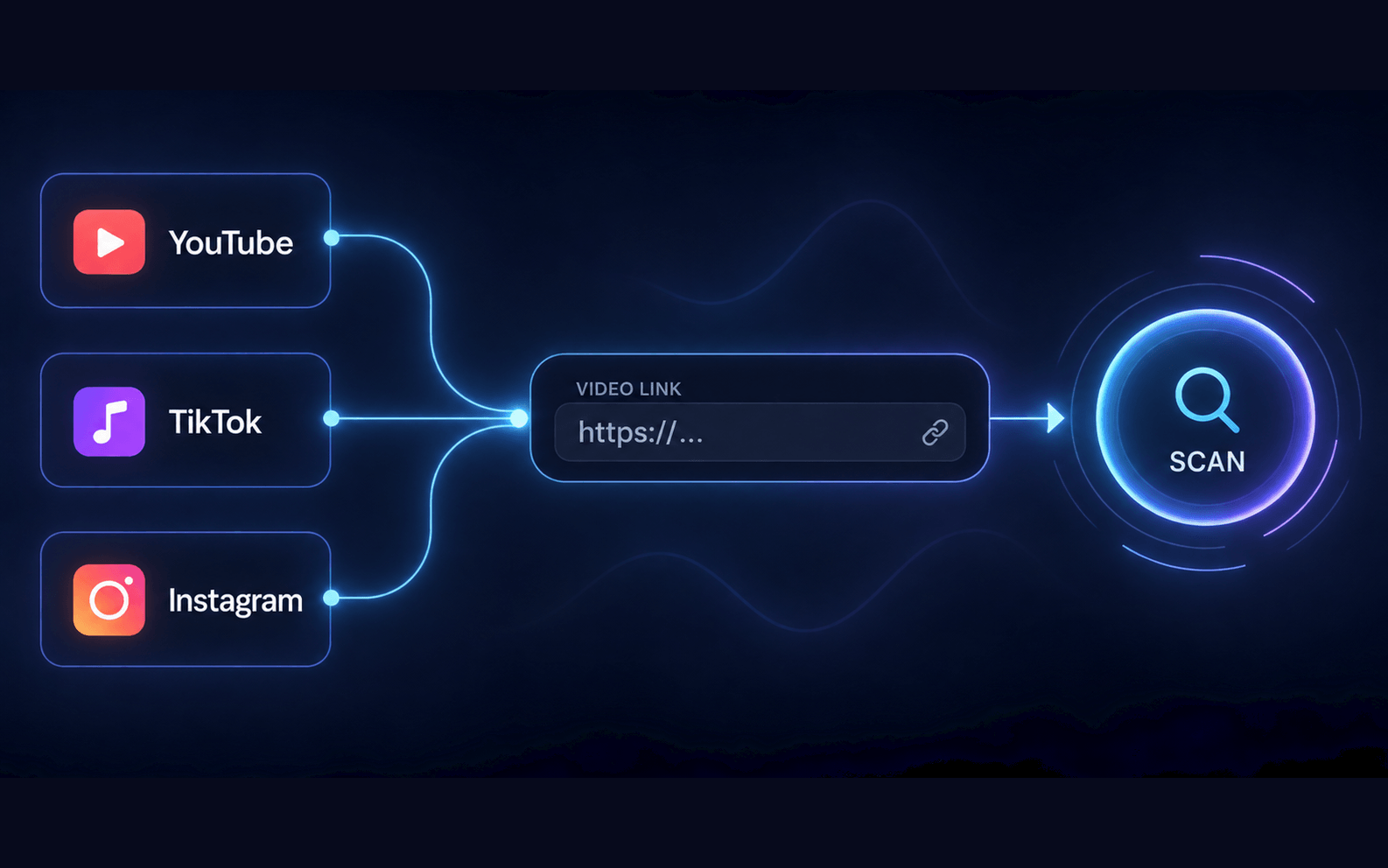
The Song Finder by Video Link accepts a public YouTube, TikTok, or Instagram URL. Copy the full video-page link or a supported TikTok share link, drop it into the input, and confirm you have the right to analyze the audio. No file download and no microphone are required.
Choose Your Sampling Depth
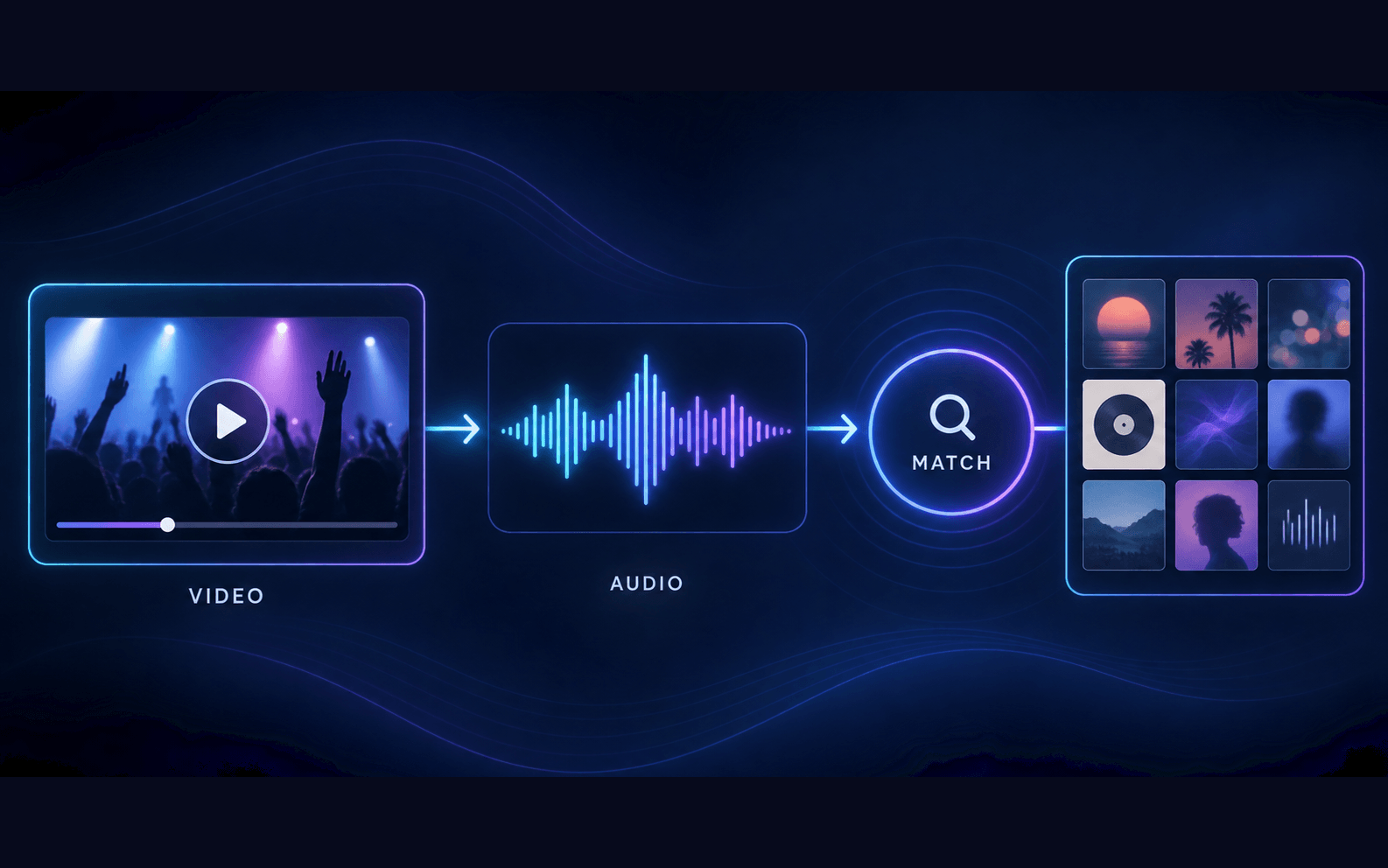
Quick lookup samples up to three positions for one likely song. Standard and Deep check ten and twenty points when enabled. Free trials cover Quick lookup only; click a locked level to review paid access and availability. Matching depends on the music catalog.
Review Matched Recordings
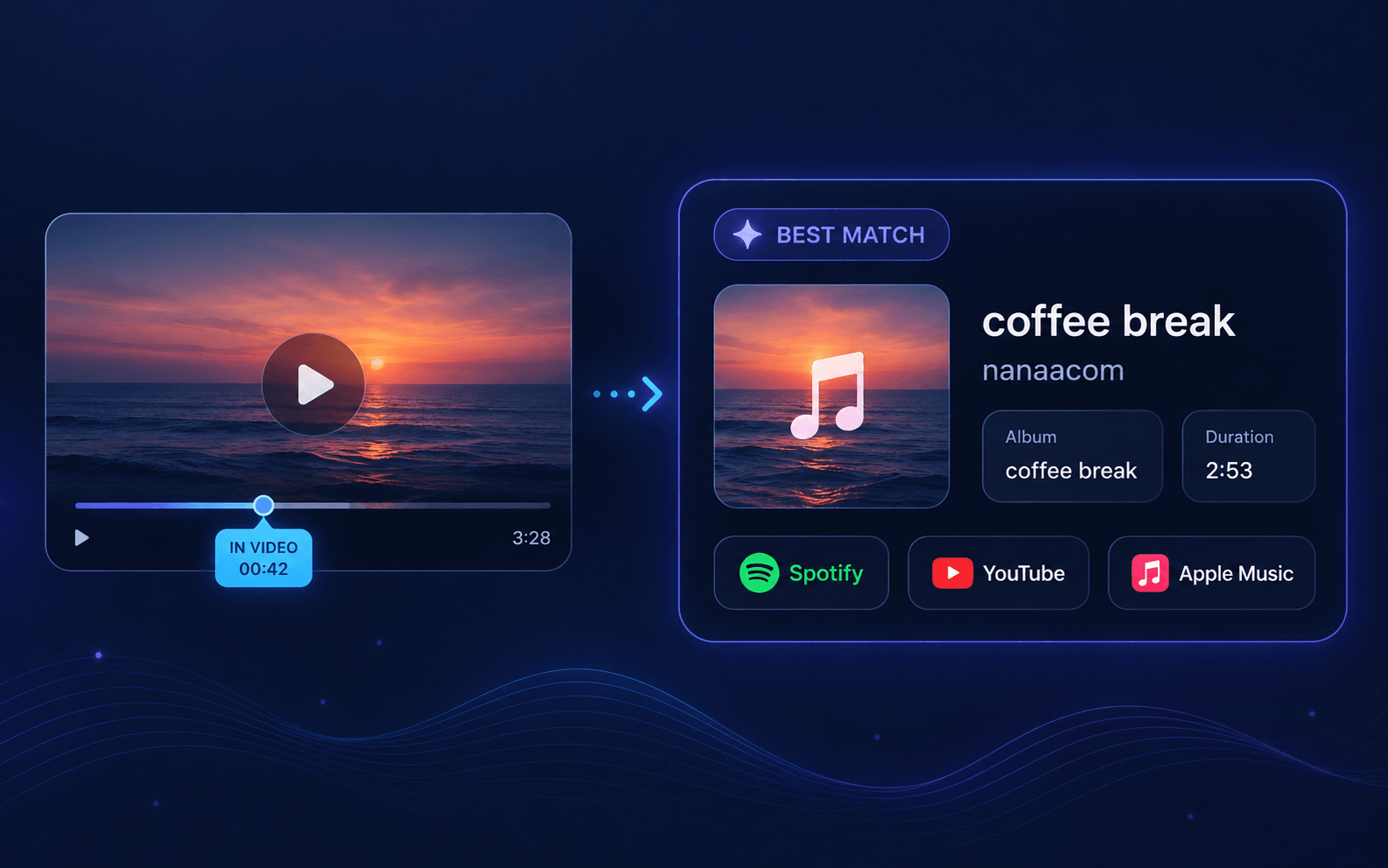
A quick result gives one likely song, artist and available listening links. Standard and Deep list candidate recordings with CSV/JSON exports. Candidates can include remixes or compilations; compare them with the original video. Sampling can miss songs and does not provide a precise video timeline.
How to Find a Song from a Video Link
Use this song finder by video link to paste a public URL, then let the scanner read the audio inside the video itself.
Copy the video link
Copy a YouTube video or Shorts link, a TikTok video or share link, or an Instagram Reel link. TikTok share links from tiktok.com/t/, vm.tiktok.com and vt.tiktok.com are opened before scanning. If the share link cannot be opened, paste the full video-page URL.
Choose the range and check the quote
Choose Quick, Standard or Deep sampling and confirm your rights. Free users can click a locked level to see subscription options and why paid access is required. Check availability and your quote before starting.
Read the result
A quick lookup returns one likely song. Available saved results can include video positions and listening links. Reopen completed tasks from History without rescanning.
One link. Three platforms.
Find songs from YouTube, TikTok & Instagram links.
Start with the public video you already have. Here’s how to find the music on each platform.
YouTube song finder
Copy the link to a public video or Short and paste it into the finder above. A match can include the song title, artist and its position in the video.
youtube.com · youtu.be
TikTok song finder
Copy the link to a public TikTok video and paste it above. Supported share links are opened before scanning. If a share link cannot be opened, use the full video-page URL. “Original Sound” may not name the music.
tiktok.com/t/ · vm.tiktok.com · vt.tiktok.com
Instagram Reel song finder
Copy the link to a public Reel and paste it above to identify the music. Private, deleted or login-only videos may not be accessible. Use Audio Finder when you have the file.
Public Reel link
Find a Song from a TikTok Link
Copy a public TikTok link and check the music behind it. No download, microphone or extra app required. A match depends on the recording and the music catalog.
How to copy a TikTok link
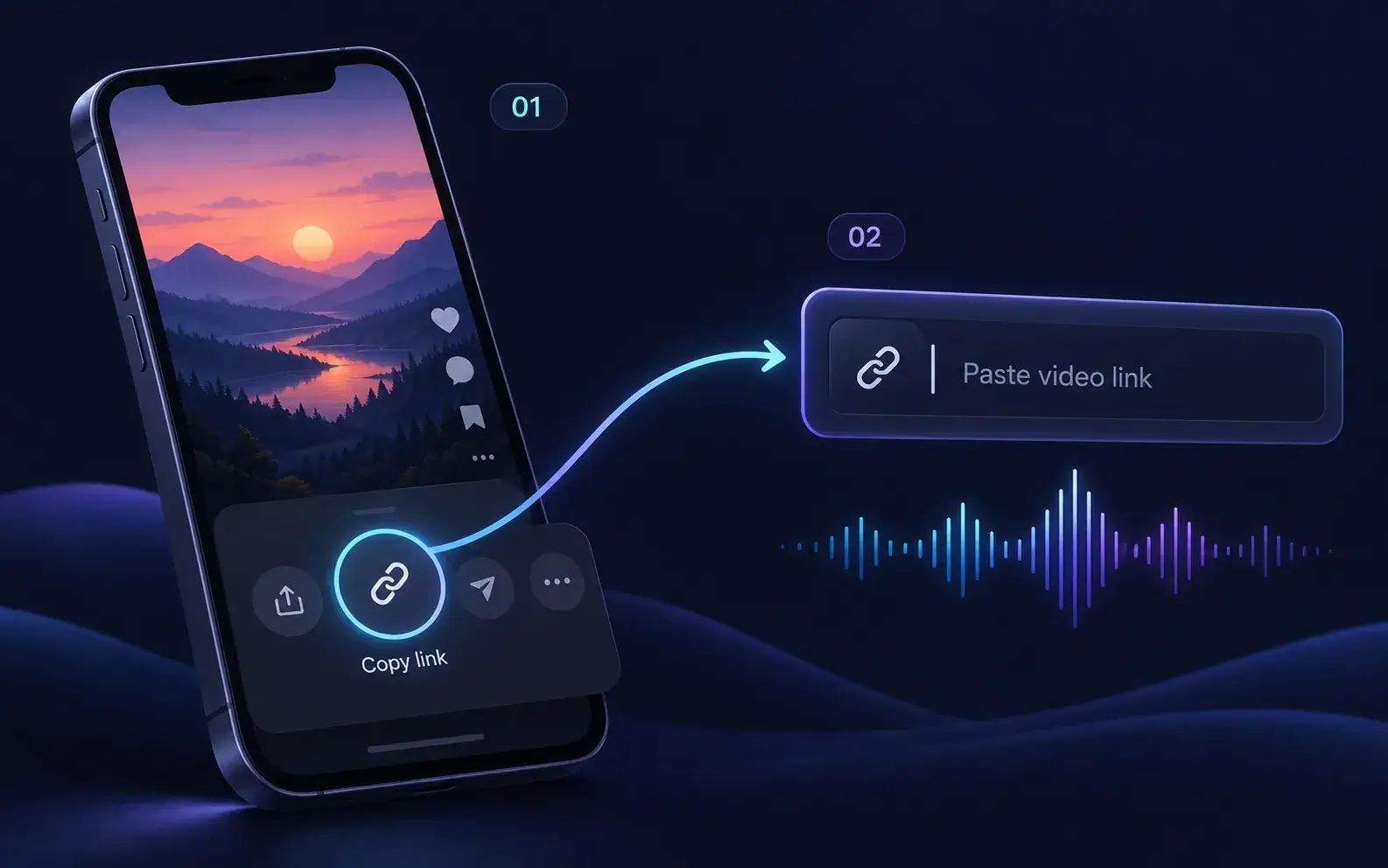
Open the video in TikTok, tap Share → Copy link. In a browser, copy the full video-page URL. Paste it into the finder above, choose Quick, Standard or Deep, confirm your rights and review the quote before starting. Quick returns one likely song with available listening links.
Supported share links include tiktok.com/t/, vm.tiktok.com and vt.tiktok.com. If a share link cannot be opened, try the full video-page URL. Only public videos are supported; private, deleted and login-only videos cannot be read.
Why TikTok says "Original Sound"
The sound label is not necessarily the song title. Open the video’s sound page first to see whether it credits the original recording. If it does not, scan the public video link to check the audio itself.
Creator-made or uncatalogued music may have no match. If you have a clip you are allowed to analyze, upload it to Audio Finder instead.
When the audio is edited
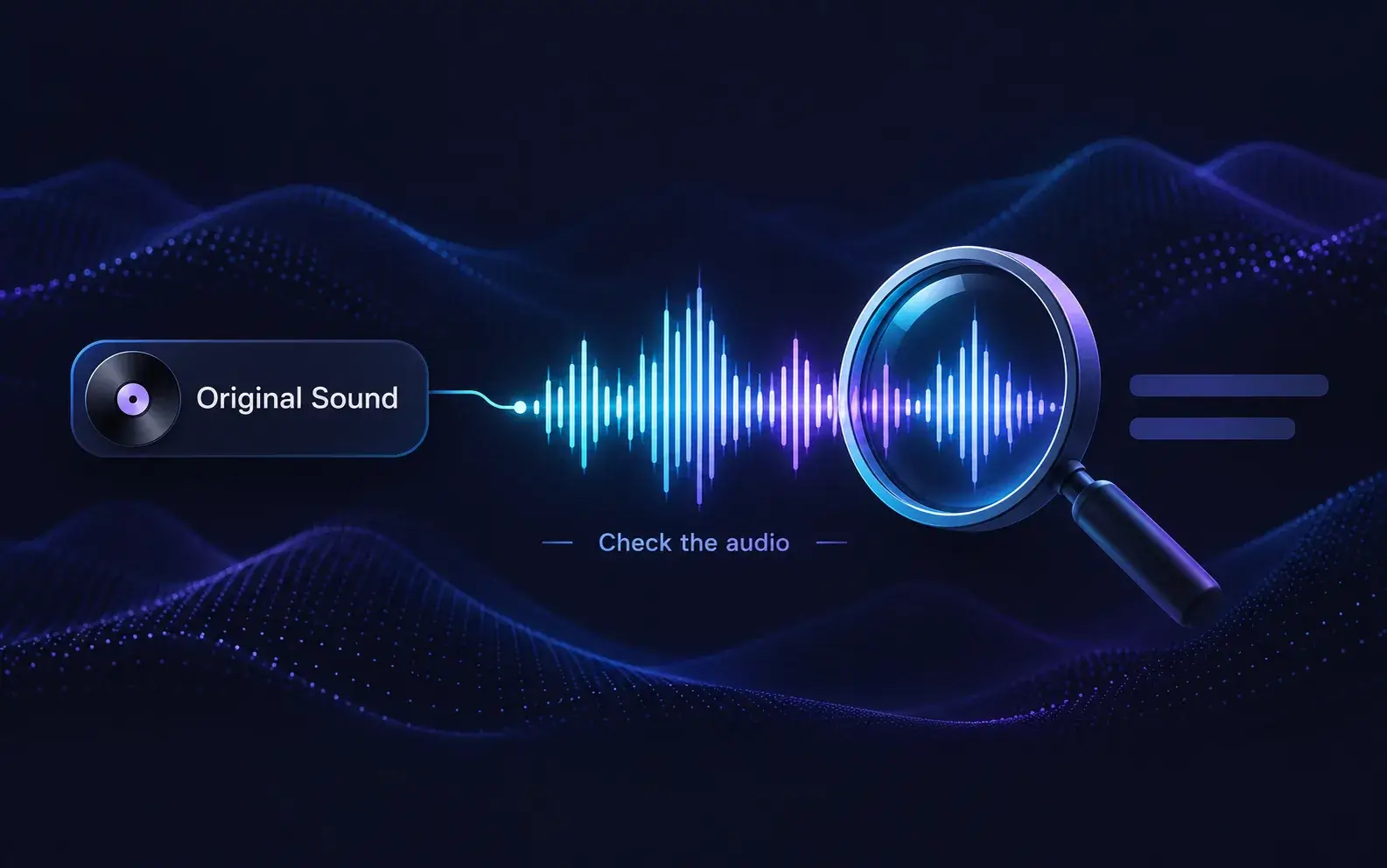
Sped-up, slowed and remixed TikTok sounds
Recognition may be less reliable when a track is sped up, slowed down or heavily remixed. Try a public video that uses the original recording, or upload a longer clip you have the right to analyze to Audio Finder. Neither option guarantees a match.
Playback or a link?
Can you Shazam a TikTok link?
Shazam identifies music while it is playing, including music in supported apps on your device. That is a playback-based workflow. Here, you paste the public TikTok URL and the scanner reads the video's audio without playing it aloud. Choose the workflow that fits what you have: music playing now, a public link, or a saved clip.
Song Finder by Video Link vs Audio Finder
Two ways to find a song from a video — paste the link or upload the file.
Audio Finder
Upload any audio or video file from your device to identify the exact song playing in it.
- Best when the file is on your device
- Works with recordings, clips, and videos
- Answer: the exact song name
Song Finder by Link
Paste a public video link and let the scanner read the audio inside it — no download, no microphone.
- Best when the video lives on a platform
- Works with YouTube, TikTok, and Instagram links
- Quick lookup: one likely song from sampled points
- Standard and Deep sampling: paid levels; check current availability
Found the song and want more like it? Open the Similar Song Finder to discover tracks with a similar sound, or go back to Audio Finder whenever you have the file instead of a link.
When a Link Beats a Microphone
A song finder by video link is built for the moments when the song lives inside a video on a platform.
A song hooks you mid-scroll
The video is labeled original sound and the comments are full of people asking for the name. Copy the link, paste it here, and the scanner reads the real audio track behind the label — no second phone, no guessing.

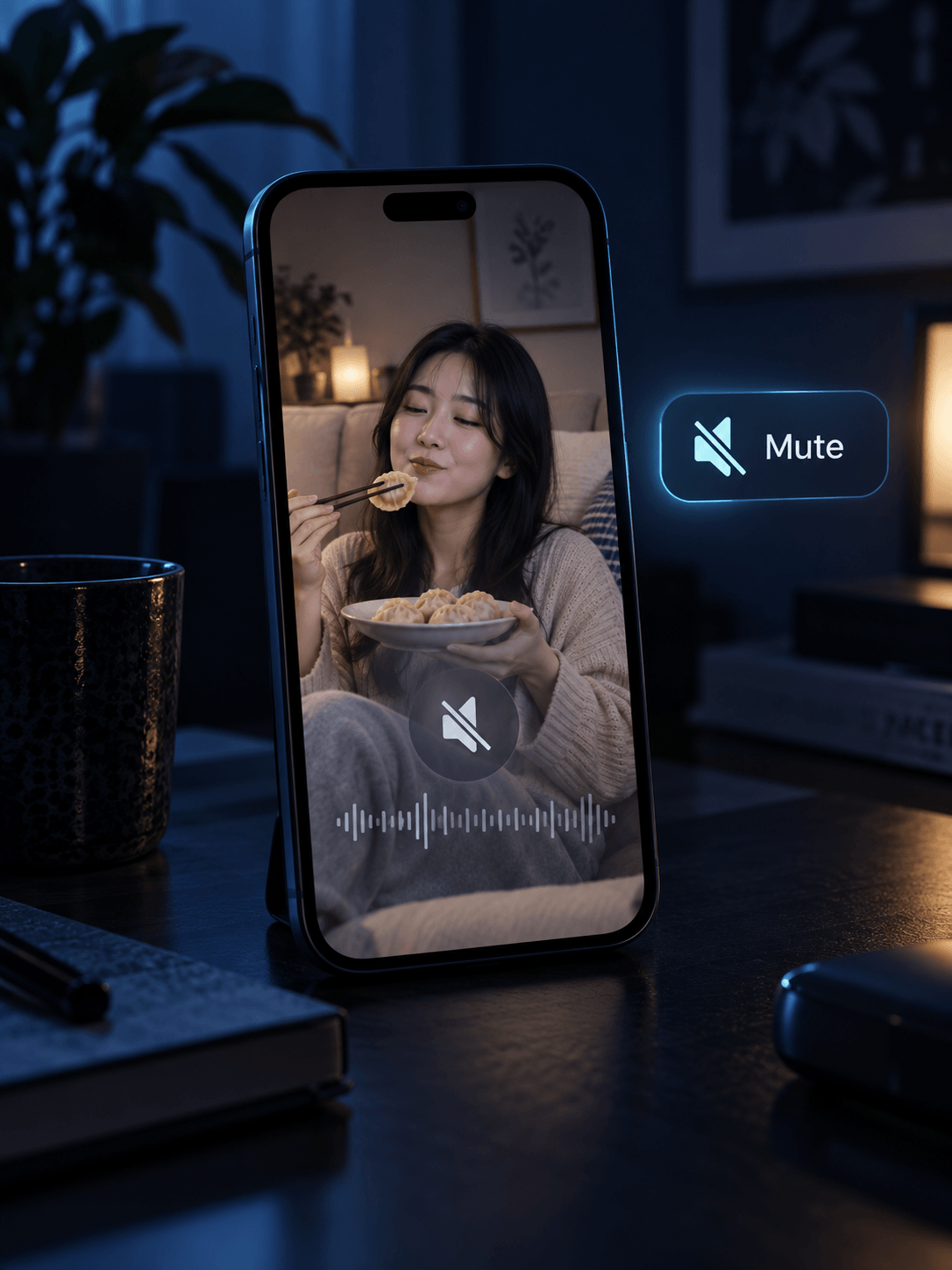
The video plays on mute
Feed autoplay is silent. Because the scan reads the audio inside the link, recognition works even when you never heard a note out loud.
Credit the track, then keep going
Identify the exact song for an edit, a playlist, or a citation, then jump to the Similar Song Finder to discover more tracks with the same sound.
Try the Song Finder by Video Link
Copy a public video URL and choose your scan above. Eligible users can use a one-time quick trial. Check access, availability and your quote before you start.
Identify a song from a link