Instrument Identifier
Upload a track to see which instruments play and what each one does.
Start with your music
Which instruments are in your track?
Drop an audio file here,
or choose one from your device.
Your upload: MP3 up to 10MB.
Analysis starts automatically after your file is checked.
Audio is uploaded for AI processing. Privacy policy.
Hear it. See its instruments.
Try a sample
No upload neededExplore a saved analysis of each sample.
No new AI analysis. No credits used.
Results list the main instruments heard, not every sound in the mix.
What instruments are in this song?
Listen to Midnight Drive and see a saved instrument identifier result. Your own recording returns its own list.
Midnight Drive
Listen for the beat, the deep bass and the synth melody. Explore each part in the instrument list.
Saved analysis · No new AI analysis or credits used.
Instruments heard in this sample
Select a part to see its tone and playing style.
Drum MachineRhythm
- Tone
- electronic, driving, tight
- Playing style
- trap beat pattern
Provides the core rhythm with a kick, snare, and fast, rolling hi-hats.
Synthesizer (808 Bass)Rhythm
- Tone
- booming, deep, sliding
- Playing style
- melodic bassline
A powerful 808-style synth bass that forms the track's low-end foundation and harmonic root.
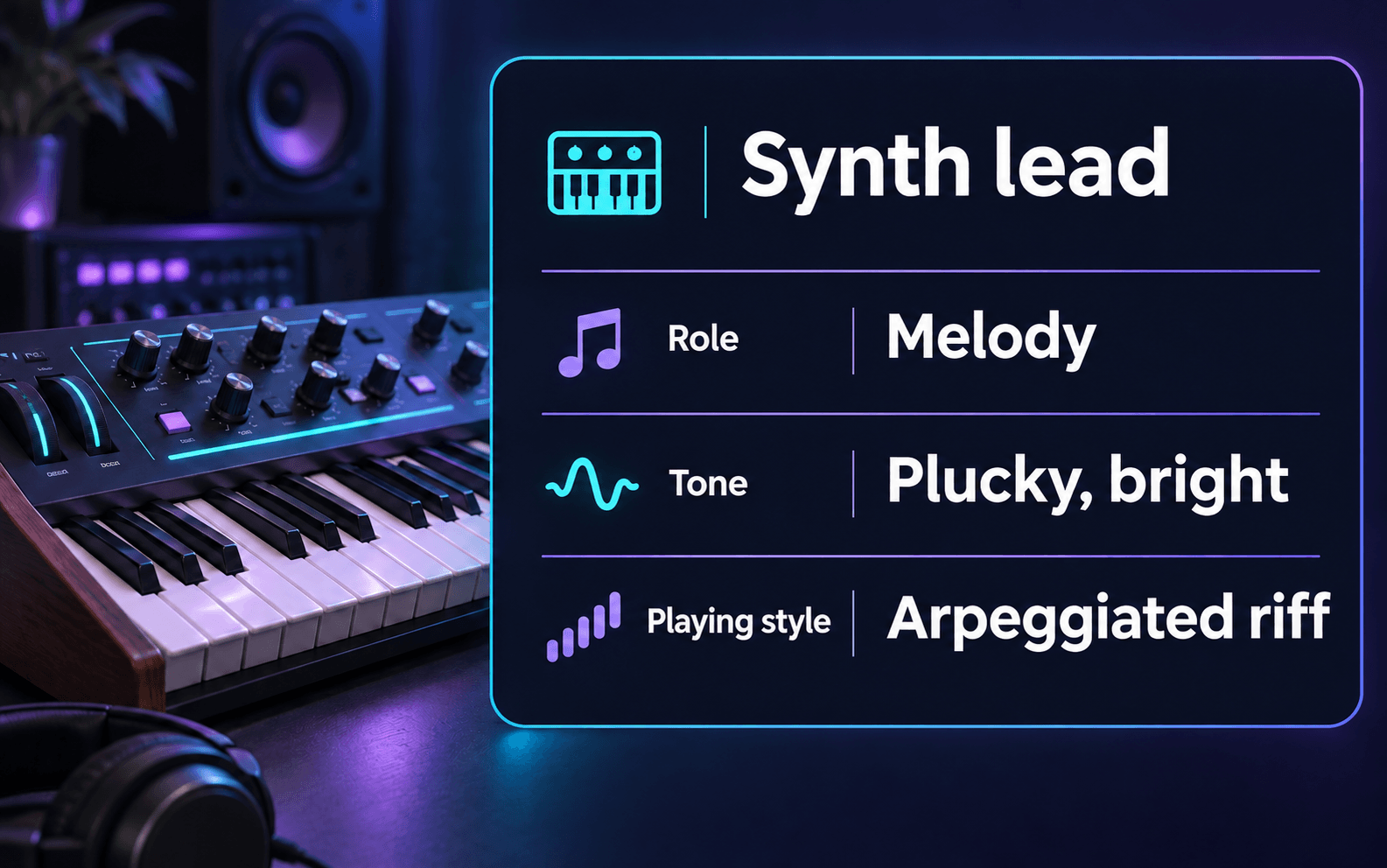
Synthesizer (Lead)Melody
- Tone
- plucky, bright, synthetic
- Playing style
- arpeggiated riff
Plays the main, memorable melodic hook throughout the track.
Synthesizer (Pad)Harmony
- Tone
- atmospheric, dark, evolving
- Playing style
- sustained chords
Provides a textural and harmonic bed, filling out the frequency spectrum.
Vocal SamplesTexture
- Tone
- chopped, pitched, rhythmic
- Playing style
- rhythmic stabs
Pitched-up vocal chops used as a percussive and melodic accent.
What this instrument identifier can do
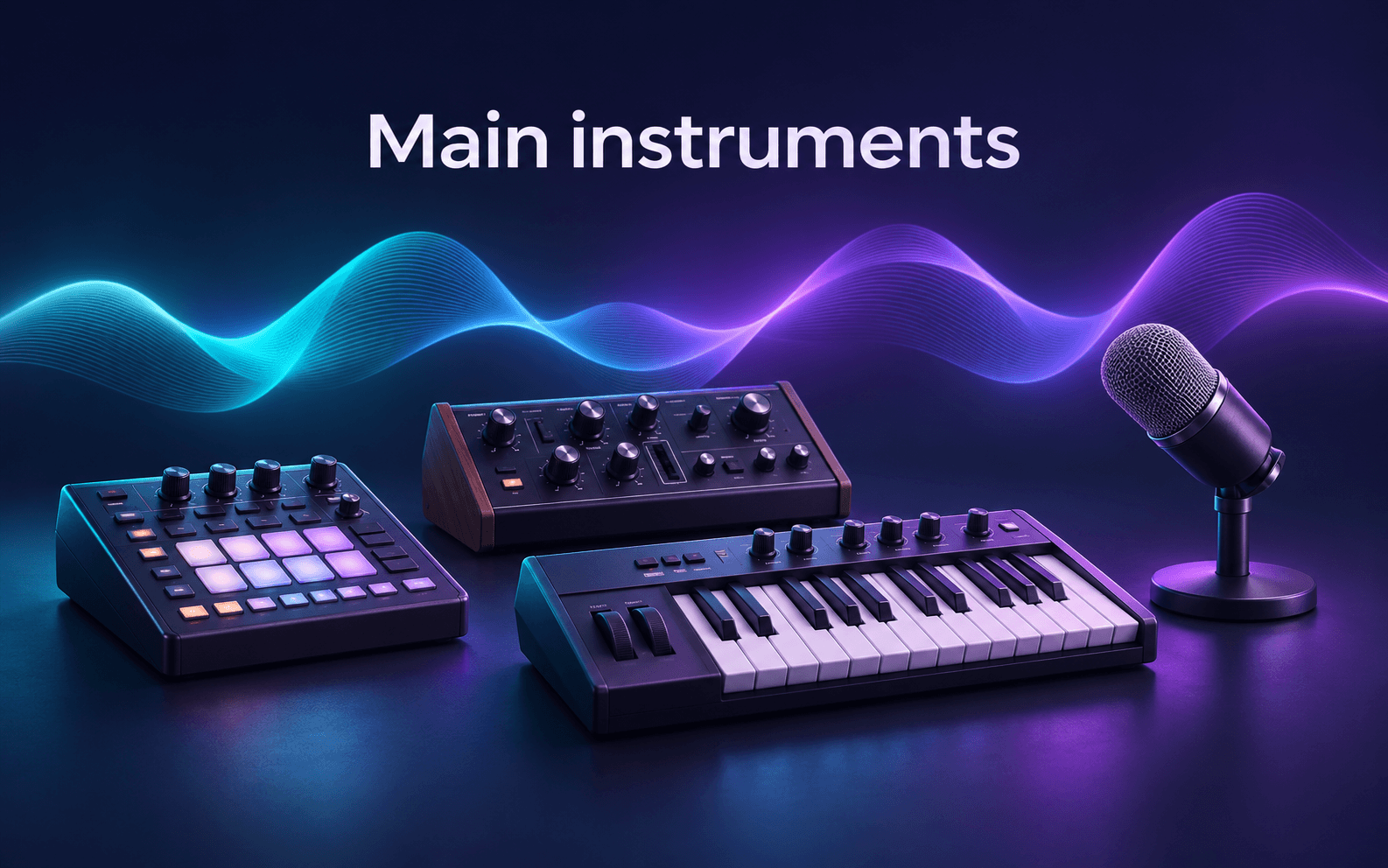
This AI instrument identifier by sound shows the main parts, what each one does and how they work together.
Identify the instruments in a song
Use the AI instrument identifier to find instruments used in a song, with names and short sound descriptions. Quiet background parts may be missed.
Understand each instrument’s sound and role
The instrument identifier explains each part’s role (Rhythm, Harmony, Melody or Texture) and its tone. Playing style appears when returned. Open More about this part for details.
Understand how the parts fit together
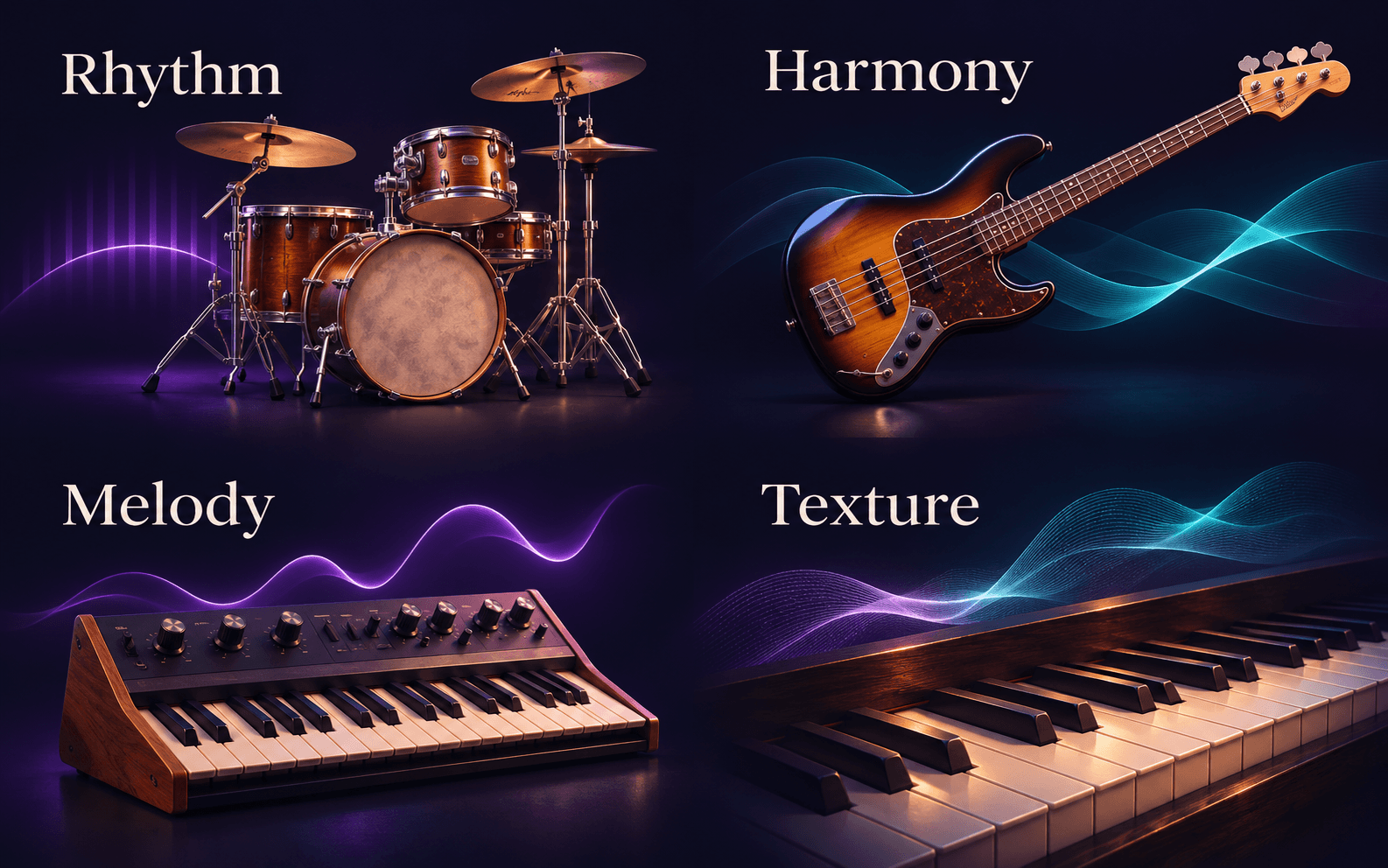
Use the instrument analyzer to see which parts provide the beat, support the chords and carry the melody.
Explore the full analysis from the same result
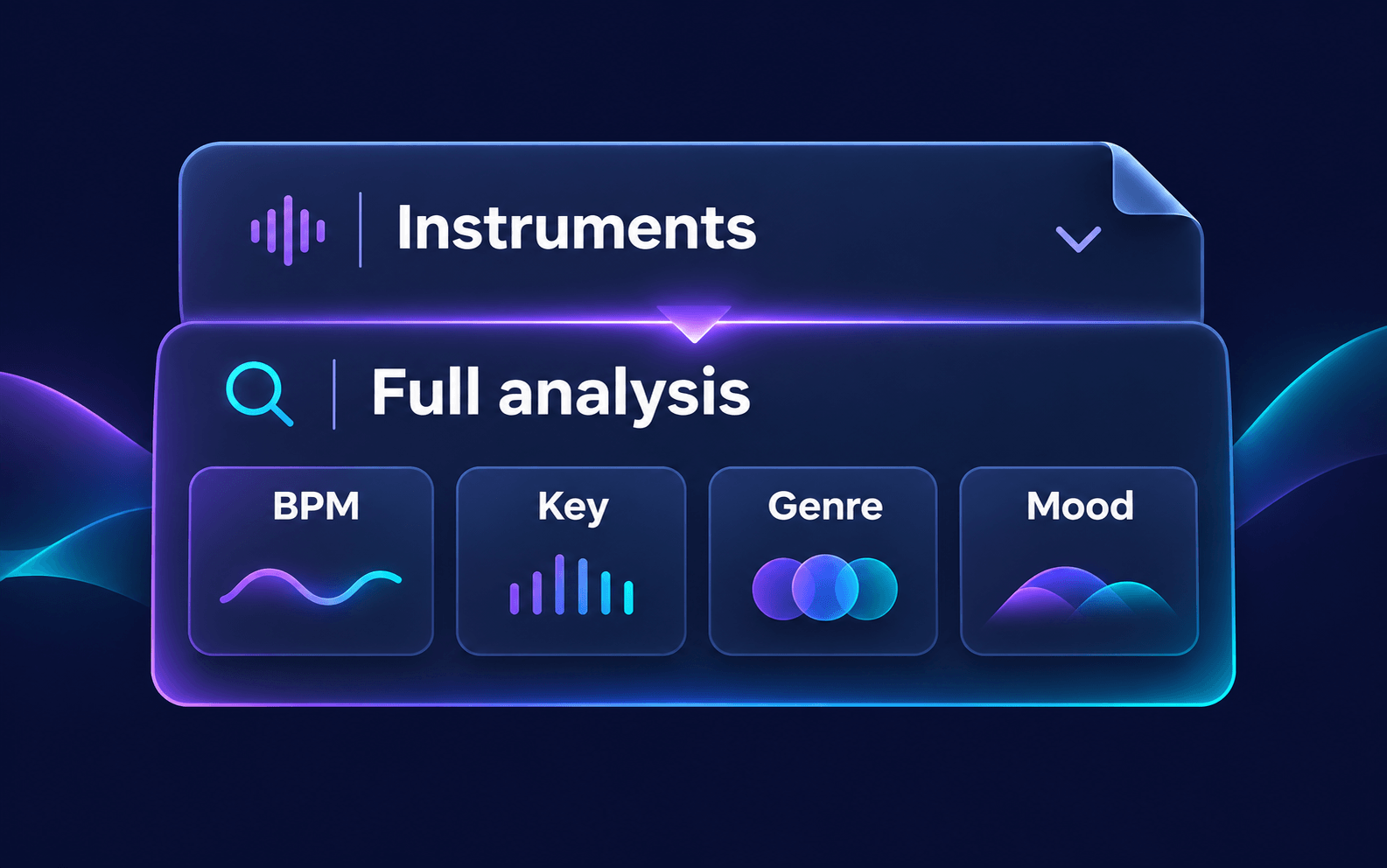
Select See full analysis for BPM, key, genre, mood and the rest of the report. It opens the same analysis, without another upload or additional credits.
Just the instruments, or the full picture?
Both views use the same analysis. Choose what you want to see first.
Instrument Identifier
Start with the sounds and their roles.
- Main instruments in the recording
- Tone, playing style and arrangement notes
AI Music Analyzer
Start with the whole musical profile.
- Genre, mood, BPM and key
- Description, instruments and more
Instrument identifier limits
Similar sounds
Closely matched synths or drum sounds can be confused.
Busy mixes
A quiet background part can be missed.
Very short clips
Choose a section where the instrument is clearly audible.
How to identify instruments in a song
Use the instrument identifier online: upload audio, let the AI listen, then explore the results.
Choose your audio
Drop your file into the upload area or select Browse files. The formats and size allowed by your plan appear beside it.
Let the analysis finish
Let the AI instrument identifier analyze the audio. Results appear in the same workspace.
Explore the instruments
Read the names and roles. Open More about this part for detail, or See full analysis for the complete report.
When to use the instrument identifier
Identify instruments in a song
Find out what instrument is playing in a song from its sound.
Learn how a song is arranged
See which instruments provide the beat, play the chords and carry the melody.
Review your own recording
Use the instrument identifier for your demo, rehearsal or private mix. No released song title needed.
Who can use this instrument identifier?

Music lovers
Find out which instruments are playing in the songs you enjoy.

Music beginners
Learn how instruments sound and what they do in a song.
Producers & songwriters
Review the main instruments in a reference track or your own demo.
Instrument Identifier FAQ
A few things to know before you upload.
How does an AI instrument identifier work?
This musical instrument identifier uses AI instrument recognition to analyze uploaded audio. It lists the main instruments, their roles (Rhythm, Harmony, Melody or Texture), tone and playing style when returned, plus notes on how the parts fit together.
What instrument is this? Can it name the instrument I hear in a song?
To identify instruments in a song online, upload a section where the sound is clear. Match what you hear to the instrument identifier results. Very quiet parts may be missed.
Can it identify every instrument in a song?
Not always. This instrument detector lists the main sounds it can hear. Quiet parts in a busy mix may be missed.
Can I identify an instrument from a picture or a YouTube link?
No. The instrument identifier only reads audio files you upload, not pictures, photos or links. If you want to know which song is playing in a video, try Song Finder by Video Link.
Can I isolate one instrument from the song?
Not on this page; it names the instruments but doesn't split them out. To get each part as its own track, use the AI Stem Splitter, which splits a song into vocals, drums, bass, melodies and an instrumental track.
Can I use the instrument identifier for MP3 files, and is it free?
You can start without paying. Signed out, you get 100 credits for MP3 files up to 10MB; a new account gets 200 credits once at signup, with no credit card needed. Analysis uses 1 credit per second of audio, so a 3-minute song needs 180 credits. The Base plan adds WAV files up to 50MB; the Pro and Premium plans accept all formats, including FLAC, M4A and AIFF, with files up to 200MB and 500MB.
Can I also see BPM, key and genre?
Yes. Select See full analysis to open the full report from the same upload, with BPM, key, genre and mood. You can also start with the AI Music Analyzer. Opening it doesn't upload your file again or use more credits.
For current plan limits and credit options, see the pricing page.
What instruments are in your song?
Upload a recording to the instrument identifier to see the main instruments, their roles and how they work together.