Music Genre Finder
Upload a track and find its genre, subgenre and closest styles.
Start with your music
What genre is your track?
Drop an audio file here,
or choose one from your device.
Your upload: MP3 up to 10MB.
Analysis starts automatically after your file is checked.
Audio is uploaded for AI processing. Privacy policy.
Hear it. See its genre.
Try a sample
No upload neededExplore a saved analysis of each sample.
No new AI analysis. No credits used.
Find a starting point
Get a genre label for the music you upload.
Explore its influences
See related styles returned in the same analysis.
Understand the sound
Review tempo, key, mood and detected instruments.
Genre labels are a starting point. Musical styles can overlap.
What the Music Genre Finder Shows
Illustrative example · not a live analysis
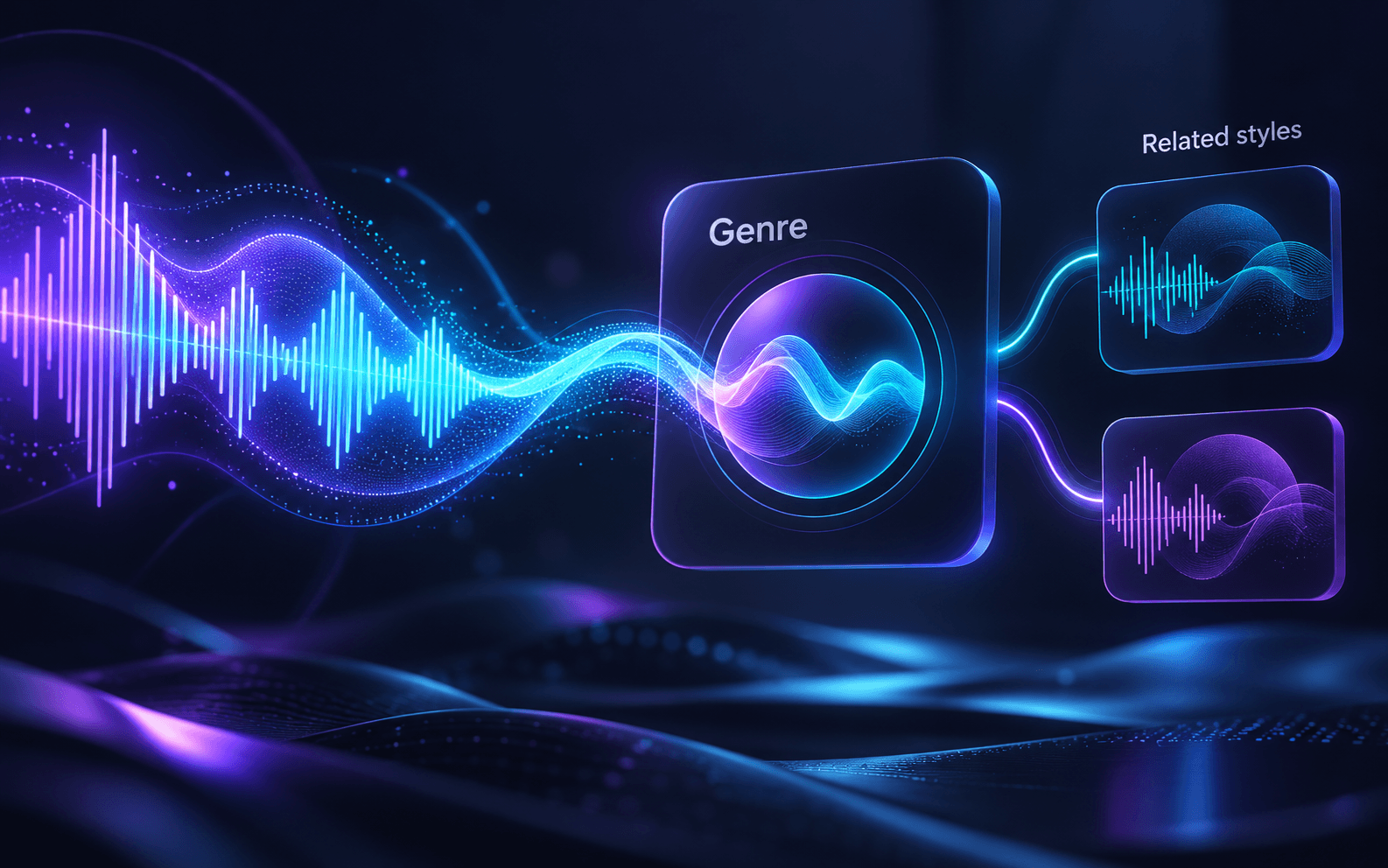
Genre
Indie Pop / Dream PopRelated styles
Synth-Pop · Bedroom PopGet to Know Your Track’s Style
Explore your track’s style with the music genre finder, then open the same report for more musical detail.
Go beyond a broad genre label
A label like Electronic or Rock is only a starting point. The music genre finder aims for a more specific style, then puts the related influences beside it. Some tracks return one subgenre; others sit between styles. Use both parts of the result when choosing tags for a release or sorting a playlist.
Works on Unreleased Demos and Your Own Mixes
The music genre finder reads the audio rather than matching it against a catalog of released songs. A home demo, a new beat or a private mix can be uploaded the same way as a finished master. You do not need a track title or a streaming link — just an audio file in a format your plan supports.
One upload, the complete musical picture
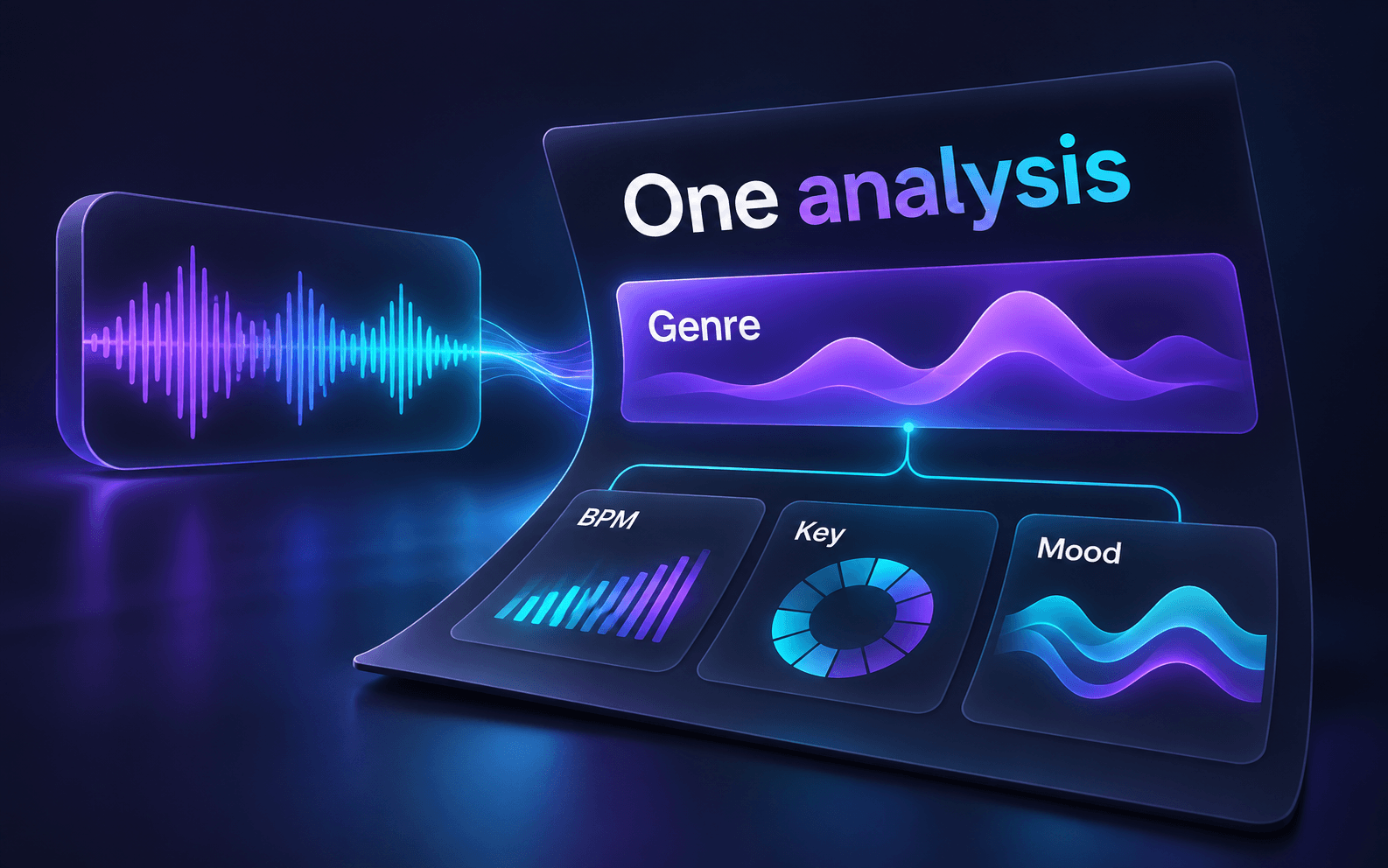
Your genre result also shows BPM, key, mood and detected instruments. Select Full analysis for the complete description and other details from that same upload. Opening the report does not upload your file again or use additional credits.
How to Use the Music Genre Finder
Upload your track.
Pick an audio file from your device (MP3 on free use). You can try it without signing in, or log in to use your monthly credits.
Let the AI listen.
It works from the sound itself, including the rhythm, instruments and arrangement, instead of reading file tags or looking the song up anywhere.
Read your genre card.
You get a genre label, which may include a subgenre, followed by the related influences returned for the track.
Who Uses a Song Genre Identifier
From release tags to playlist submissions, start with the sound of your track.
Choose tags before a release
Use the music genre finder to check your demo’s genre and related influences before release. Treat the result as a second opinion when you name, pitch or organise a track.

Check submissions against your style
Compare a submission’s genre and influences with your playlist’s sound before deciding whether it fits.
Put a sound into words
Use the music genre finder to describe a reference track for a creative brief, or compare how instruments, rhythm and mood shape its style. Work from a recording you can upload.
Genre Finder or Music Analyzer?
The same analysis, two ways to review it. Choose the view that fits your task.
Music Genre Finder
Get straight to the genre label and its related influences.
- Genre and related styles come first
- Tempo, key, mood and instruments are visible
- Full analysis opens the rest of the same report
AI Music Analyzer
Start in the complete music-analysis workspace.
- Description and musical attributes in one report
- Voice and sound details when returned
- A broader profile of your recording
Why Genre Results Can Vary
A genre label is a guide. These recordings can leave the AI with less musical context, so it helps to review the related influences too.
A blend of styles
A track can sit between genres. Its related influences may describe another part of the sound.
TipReview the related styles before choosing a label.
Only a voice
Without drums, bass or chords, there are fewer clues about the production style.
TipTry the full mix when you have it.
A very short excerpt
A few seconds may miss the groove or arrangement that gives a track its character.
TipChoose a representative section of the music.
A live recording
Crowd noise and room sound can blur details that help distinguish one style from another.
TipUse a cleaner source if one is available.
Explore a few familiar subgenres
General music examples, rather than a fixed list of labels the tool can return.
- House
- Deep House · Tech House · Progressive House
- Rock
- Indie Rock · Post-Punk · Alternative Rock
- Hip Hop
- Boom Bap · Trap · Lo-Fi Hip Hop
- Pop
- Synth-Pop · Dream Pop · Bedroom Pop
Music Genre Finder FAQ
What genre is this song? How does the music genre finder work?
Upload the track and the AI listens to the audio, then returns a genre label, which may include a more specific subgenre, and related influences. It works from the sound alone, so you don't need the title, artist or any tags.
Can I find the genre of an unreleased song or demo?
Yes. The music genre finder works from the audio itself rather than a catalog of released songs. You can upload demos, works in progress and private mixes too.
What audio formats can I upload?
Free use supports MP3 files up to 10MB. The Base plan adds WAV, with files up to 50MB. The Pro and Premium plans accept all formats, including FLAC, M4A and AIFF, with files up to 200MB and 500MB respectively.
Is the music genre finder free?
You can start for free. Without signing in you get 100 credits, and a free account gets 200 credits a month, with no credit card needed. Analysis uses 1 credit per second of audio, so a 3-minute song needs 180 credits: a free account covers one song of that length each month. If a track needs more credits than you have, the tool tells you before it starts, and you can register or pick a plan or one-time credit pack on the pricing page.
Can I use a Spotify or YouTube link?
No. The genre finder works with audio files you upload, not Spotify or YouTube links or playlists. If you have the file, upload it here. If what you really want is the song's name, try Audio Finder instead.
Why did my song get two genres?
Many songs mix more than one style. The first line on your card is the genre label returned by the AI. It may name one specific subgenre or combine styles; it does not always follow a parent/subgenre order. The related styles list shows the other influences the AI heard. If a track lands between two styles, the second one may show up there.
Can I see BPM, key and mood too?
Yes. BPM, key, mood and detected instruments appear alongside your genre result. Open Full analysis for the complete description and other details from the same upload. For tempo and key on their own, the BPM and Key Finder is another option.
Continue with Audio Finder, the BPM and Key Finder, or compare plans on the pricing page.
Try the Music Genre Finder
Have a track in mind? Upload it above and see its genre, subgenre and related styles.
Find my track’s genre